FireCut Alternative for Premiere Pro: Ultimate 2026 Guide
Best FireCut Alternative for Premiere Pro in 2026: Guide FireCut is charging you $34 a month for basic timeline tools that should cost half that—or be completely free. After losing 4 hours manually ch
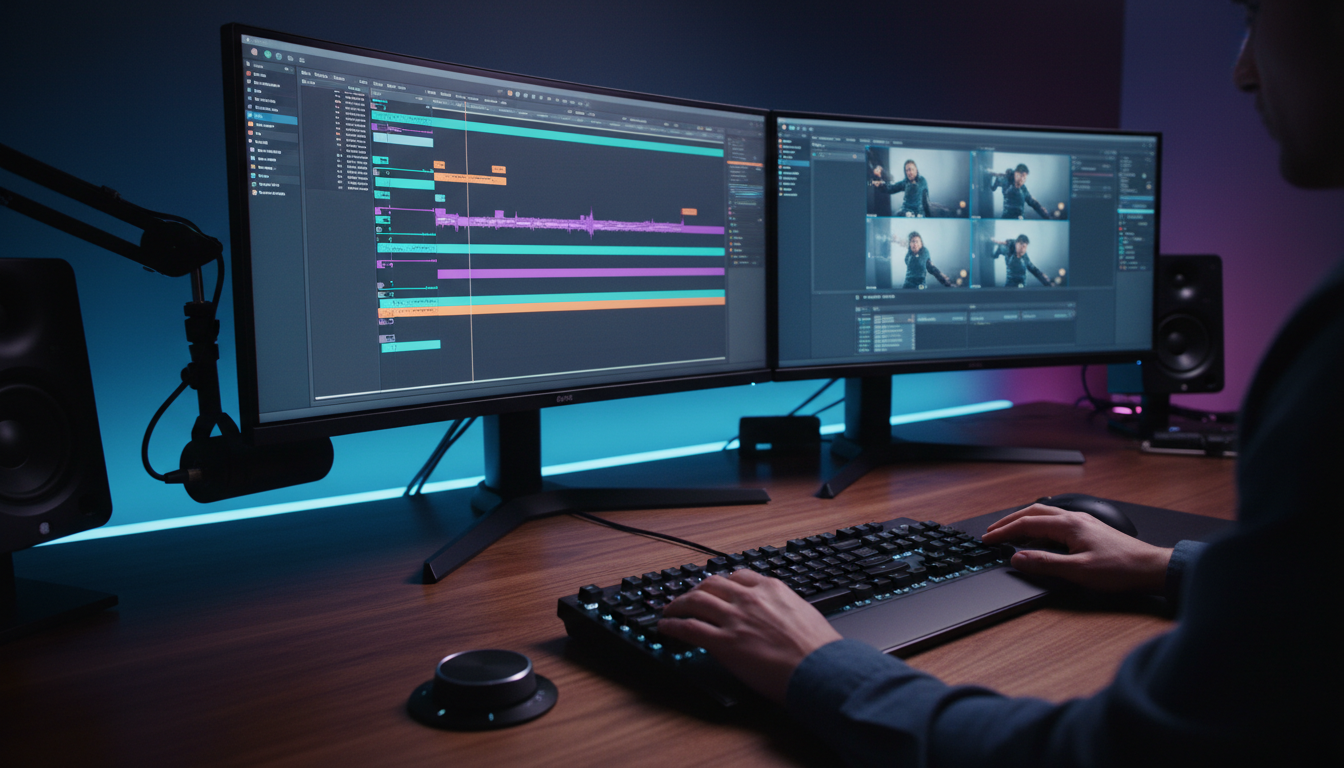
FireCut is charging you $34 a month for basic timeline tools that should cost half that—or be completely free. After losing 4 hours manually chopping a 2-hour multi-cam podcast in Adobe Premiere Pro last month, I tested every AI plugin on the market to find a faster stack.
According to recent industry market research on video editing software [9], the global market for audio and video tools reached $3.36 billion in 2025 and is projected to expand to $6.59 billion by 2036 at a 6.3% CAGR [9]. Video editing software makes up 58.4% of that entire market [9]. Editors are demanding smarter automation directly inside their NLEs instead of paying inflated prices for restricted plugins.
Key Takeaways
- Cost Advantage: FireCut costs $34/month for 12 tools, whereas KreateFlo provides 33+ tools starting at $19.99/month for Pro.
- Native Timeline Workflow: Native Premiere Pro CEP extensions outperform browser apps like Descript and Opus Clip by keeping non-destructive cuts directly on your sequence.
- Free Forever Tools: KreateFlo's free tier gives you 3 essential tools forever (Silence Remover, Transition Assistant, and Copy & Paste) without entering a credit card.
- Advanced Multi-Cam: Multi-cam editing in KreateFlo supports up to 8 speakers and 8 camera angles with custom wide-shot rules.
- Zero Render Lag: CaptionFlow delivers 22 animated caption presets with instant WASM previews, eliminating render-to-see loops.
58.4% held by video editing software in 2025
Why FireCut Users Are Looking for Alternatives in 2026
FireCut built a recognizable name early on. But paying $34 every month for a 12-tool bundle feels steep when you process client footage every week [1].
So why are editors jumping ship? As client deadlines tighten and short-form demands skyrocket, paying high monthly fees for limited feature sets drags down your margins [3].
$34/mo for 12 tools gets expensive quickly
FireCut charges $34 per month for its Pro subscription [1]. For that price, you get roughly 12 tools covering basic silence cutting, animated captions, zoom cuts, and chapter generation [1][3]. That was fine two years ago.
Today, multi-tool plugin bundles offer far higher tool density for almost half the cost [3]. Software subscription fatigue is real when you run an agency or edit high-volume podcasts.
Paying $34/mo for FireCut alongside separate bills for stock media, transcription services, and clip generation adds up to hundreds in monthly overhead [3]. Verified data from G2's peer reviews of FireCut AI competitors [7] shows that editors actively search for all-in-one alternatives that lower price-per-tool metrics.
| Before | $19.99/mo |
|---|---|
| After | $34/mo |
Web re-exports vs native timeline editing
Another big headache is the surge of web-based tools like Opus Clip and Descript. Web tools force you to upload raw camera files, wait for cloud rendering, and re-download flattened MP4 files [1][3].
Here's the problem: that workflow destroys your raw sequence data, bakes in lower-quality captions, and prevents fine-tuning [1]. You lose total control over your edit.
Native Adobe Premiere Pro extensions operate directly on your active sequence [1]. You retain original source camera files, custom color grades, multi-channel audio routings, and full undo history [1][3].
Listings on Product Hunt's FireCut AI alternatives page [6] highlight how professional editors favor native NLE plugins over external web apps.
Missing deep multi-cam and caption customizability
Standard plugins often struggle with multi-speaker conversations. They make twitchy cuts every time someone sneezes, coughs, or talks over another speaker. And when you need specific wide-shot switching logic during group laughter, basic automation breaks down [3].
Caption styling in older plugins is equally frustrating. Changing a single font color or text placement often requires rendering a sample clip to see how it looks.
Without real-time timeline previews, fine-tuning captions for TikTok or Instagram Reels becomes a slow, repetitive chore [1].
Pro Tip: Always choose plugins that write edits directly to your Premiere Pro sequence as cuts and markers. If a tool requires exporting an MP4 to make changes, it will break your color grading and audio mixing pipeline.
Actionable Takeaway: Audit your software bills today and replace web-based re-renderers with native Premiere Pro CEP extensions that preserve full edit control.
What Makes the Best FireCut Alternative for Premiere Pro in 2026?
Finding the right alternative is not just about grabbing the cheapest software. You need a setup that integrates into your daily Adobe Premiere Pro post-production pipeline without crashing your system or forcing weird file exports [1].
┌────────────────────────────────────────────────────────────────────────┐
│                        NLE PLUGIN vs WEB APP                           │
├──────────────────────────────────┬─────────────────────────────────────┤
│ Native CEP Plugin (KreateFlo)    │ Web Re-Exporter (Opus Clip)         │
├──────────────────────────────────┼─────────────────────────────────────┤
│ Non-destructive timeline cuts    │ Re-rendered flattened MP4 export    │
│ Preserves raw camera color profiles│ Lossy cloud video compression     │
│ Instant timeline playback        │ Upload and download wait times     │
│ Custom handles & undo history    │ Burned-in, uneditable captions      │
└──────────────────────────────────┴─────────────────────────────────────┘
Native CEP extension architecture
The best editing plugins are built as native Common Extensibility Platform (CEP) extensions inside Premiere Pro. A native CEP extension sits cleanly in your workspace panel [1]. It talks directly to Premiere's engine through JavaScript and C++ APIs [3].
This means cuts, ripple deletes, transition additions, and audio cuts happen instantly on your active sequence [1]. You do not need to export XML files, import EDL sheets, or round-trip through external audio editors [3]. Everything stays right where you need it.
Suite density vs single-tool value
Single-purpose plugins like AutoPod charge $29/mo strictly for multi-camera dialogue cuts [3]. While AutoPod handles basic multi-mic switching, paying $29/mo for one feature makes little financial sense.
Multi-tool suites cover multicam, silence removal, captioning, and repeat cleanup in a single subscription [3]. An all-in-one suite with 30+ tools gives you a much better price-per-tool ratio [3].
You get access to silence removal, automated transition insertion, clip reframing, and AI transcription without juggling four different monthly billing statements [1][3].
Non-destructive cuts and editable bin sequences
Your client will almost certainly ask for revisions. If your automation tool permanently deletes audio clips or burns captions into the video layer, making minor text tweaks takes double the time [1].
The top FireCut alternatives generate non-destructive edits [1][3]. Silent gaps are trimmed with adjustable audio handles. Cuts are placed on standard edit points. Captions are created as editable text graphics on dedicated timeline tracks [1].
39.9% North America video software market
Actionable Takeaway: Prioritize native CEP plugins that offer non-destructive sequence generation so you can make manual client edits in seconds.
Top 5 FireCut Alternatives Compared: Features, AI Hours, and Pricing
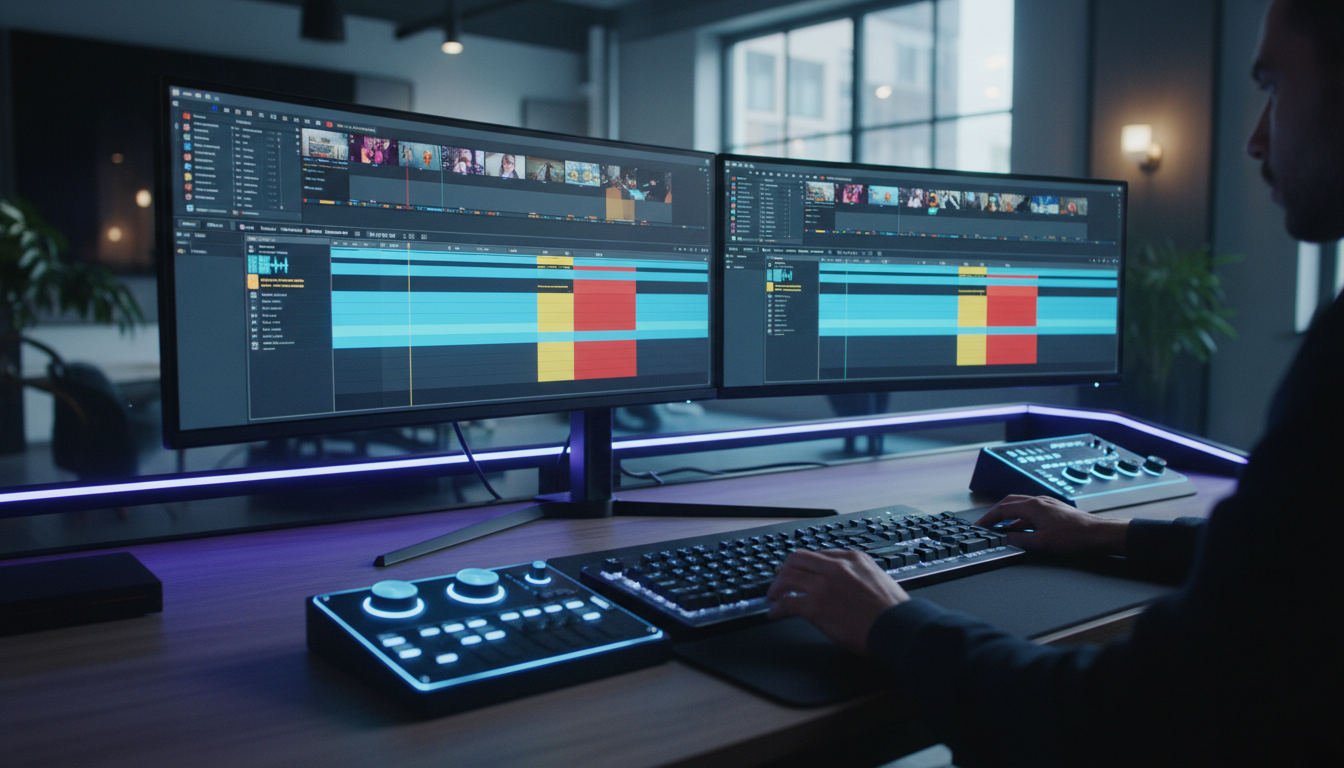
I spent weeks benchmarking the top AI editing plugins inside Premiere Pro on the same 2-hour interview project [3]. Here is how the top five competitors stack up across pricing, tool count, and timeline integration [1][3].
| Plugin | Price / Mo | Included Tools | Native Premiere Plugin? | AI Model Transparency | Key Strengths |
|---|---|---|---|---|---|
| KreateFlo (v1.0.3) | $19.99 (Pro) / $44.99 (Studio) | 33+ Tools (3 Free Forever) | Yes (CEP Extension) | High (Whisper, Custom Engine) | 8-Speaker Multi-Cam, 22 WASM Captions, Free Tier |
| FireCut | $34.00 | 12 Tools | Yes (CEP Extension) | Moderate | Silence Cutting, Basic Captions, Chapter Generator [1] |
| Phantom Editor | $15.00 | 14+ Tools | Yes (CEP Extension) | High (Gemini 2.5 Pro, Speechmatics) | Named Frontier Models, AI Repeat Removal [1] |
| PremiereCopilot | $7.99 | 12 Tools | Yes (CEP Extension) | High (Claude, GPT, Gemini) | Low Subscription Cost, Copilot Prompting [3] |
| AutoCut | $19.80 | 4-6 Tools (Tiered) | Yes (Premiere + Resolve) | Low | Multi-NLE Support, Silence Removal [3] |
| Opus Clip | $19.00 | 1 Tool (Web App) | No (Browser App) | Moderate | Web Viral Clipping, Cloud Rendering [3] |
KreateFlo: 33+ tool native CEP plugin stack
KreateFlo v1.0.3 provides 33+ professional editing tools inside Adobe Premiere Pro. Its Pro tier costs $19.99/mo for 20 AI hours, while Studio costs $44.99/mo for 50 AI hours.
Crucially, KreateFlo offers a free tier with 3 core tools forever: Silence Remover, Transition Assistant, and Copy & Paste. You can cut silent pauses out of raw footage without entering credit card details or starting a trial timer.
Phantom Editor & PremiereCopilot: Frontier model access
According to Phantom Editor's 2026 plugin review [1], Phantom Editor provides 14+ tools with access to named frontier AI models like Gemini 2.5 Flash, Gemini 2.5 Pro, and Speechmatics [1]. It is a strong contender if you want specific LLM engine control [1].
PremiereCopilot's AI plugin benchmark [3] lists PremiereCopilot at $7.99/month for 12 tools [3]. It offers prompt-based sequence control using Claude and GPT models, making it an affordable entry-level option [3].
AutoCut & AutoPod: Focused multi-cam and silence cutters
AutoCut costs $19.80/month for its AI Pro tier [3]. It supports both Adobe Premiere Pro and DaVinci Resolve, which is great if you edit across multiple NLE platforms [3]. However, its features are sold across separate tiered packages for podcasts and captions [3].
AutoPod costs $29/month Pro [3]. It remains a dedicated multi-cam podcast plugin for dialog-heavy tracks [3]. But because it lacks silence removal, animated captions, and viral clip detection, paying $29/mo for one feature is difficult to justify [3].
Opus Clip & Descript: Web-based text editors
Opus Clip costs $19/month Pro [3]. It excels at auto-detecting viral moments from longform MP4 uploads [3]. But because it is a browser app rather than a Premiere plugin, it re-exports compressed MP4 files with burned-in captions, severing your connection to original timeline layers [1][3].
Descript offers text-based video editing in a standalone desktop app. Analysis from Brevidy's analysis of FireCut alternatives [8] notes that while text-based editing works well for simple voiceovers, professional editors working in Premiere Pro prefer native extensions that avoid round-trip exports [1][3].
Pro Tip: If your workflow requires switching between Premiere Pro and DaVinci Resolve, look closely at cross-platform plugins like AutoCut. But if you live in Premiere Pro daily, native CEP tools like KreateFlo offer deeper timeline integration.
Actionable Takeaway: Compare plugins based on total tool density and native sequence support rather than focusing solely on monthly subscription prices.
KreateFlo: The Best FireCut Alternative for Premiere Pro in 2026
When we designed KreateFlo v1.0.3, we set out to build the exact extension we wanted in our own editing bays. We wanted to eliminate repetitive cutting tasks without locking key utilities behind expensive paywalls.
┌────────────────────────────────────────────────────────────────────────┐
│                     KREATEFLO TIER STRUCTURE                           │
├───────────────────┬──────────────────────┬─────────────────────────────┤
│ Free Tier         │ Pro Tier ($19.99/mo) │ Studio Tier ($44.99/mo)     │
├───────────────────┼──────────────────────┼─────────────────────────────┤
│ 3 Tools Forever   │ 33+ Tools Total      │ 33+ Tools Total             │
│ Silence Remover   │ 20 AI Hours / Mo     │ 50 AI Hours / Mo            │
│ Transition Assist │ Multi-Cam (8 Mics)   │ Priority Cloud Processing   │
│ Copy & Paste      │ WASM Caption Engine  │ Custom Agency Workflows     │
└───────────────────┴──────────────────────┴─────────────────────────────┘
33+ tools starting with 3 free tools forever
Most plugins give you a 7-day trial and then block access until you put down a credit card [1]. We do not like that approach.
KreateFlo takes a different path. Our free tier gives you 3 essential tools forever:
- Silence Remover: Automatically detect and ripple-delete silence with custom padding thresholds.
- Transition Assistant: Batch apply, remove, or modify video and audio transitions across hundreds of timeline cuts.
- Copy & Paste: Instantly transfer clips, graphic layers, and clip attributes across sequences without opening multiple bins.
When you upgrade to Pro ($19.99/mo, 20 AI hours) or Studio ($44.99/mo, 50 AI hours), you unlock our entire 33+ tool suite inside Premiere Pro.
AI Multi-Cam Editor for up to 8 speakers
Editing multi-mic interview podcasts manually takes hours of tedious camera switching. Our Multi-Cam Editor handles up to 8 distinct speakers and 8 camera angles simultaneously.
You can set custom switching rules, define speaker priority channels, and establish dedicated wide-shot designations for group reactions. The engine cuts a 60-minute multi-cam interview in roughly 90 seconds, placing clean edit cuts right on your active sequence.
CaptionFlow with WASM real-time preview
Adding animated captions to short-form clips used to mean applying a template, rendering a preview, finding an error, and rendering all over again.
Our CaptionFlow engine uses WebAssembly (WASM) to render real-time previews directly inside the extension panel. You can test all 22 animated caption presets, tweak font colors, adjust stroke weights, and edit text on the fly with zero render lag.
90 seconds vs 4 hours
(KreateFlo Automated Multi-Cam vs Manual Timeline Cutting)
Actionable Takeaway: Test KreateFlo's free tier on your next timeline to automate silence removal and transition placement without spending a dime.
Head-to-Head: FireCut vs. KreateFlo vs. Single-Purpose Plugins
To show how these tools perform under real editing conditions, let us compare their execution speed, camera logic, and practical limitations.
┌────────────────────────────────────────────────────────────────────────┐
│                   CAPTION PREVIEW PERFORMANCE                          │
├──────────────────────────────────┬─────────────────────────────────────┤
│ FireCut Engine                   │ KreateFlo WASM Engine               │
├──────────────────────────────────┼─────────────────────────────────────┤
│ Apply preset style               │ Select preset style                 │
│      ▼                           │      ▼                              │
│ Short render pause (1-3 sec)     │ Instant WASM viewport render (0 ms) │
│      ▼                           │      ▼                              │
│ Check timeline output            │ Edit text / colors live             │
└──────────────────────────────────┴─────────────────────────────────────┘
Speed benchmark: WASM previews vs render loops
When tweaking animated captions in FireCut, changing text attributes requires brief render pauses while the plugin recalculates graphic layers [1]. That slight delay adds up across a 30-clip social media pack.
KreateFlo's WASM engine renders caption graphics in real-time viewport memory. You can scrub through sequence audio, edit transcript typos, and adjust word-by-word animation highlights instantly without waiting for render bars.
Multi-speaker intelligence: Dedicated wide shots
Single-purpose plugins like AutoPod rely strictly on audio gating thresholds [3]. If Speaker A laughs while Speaker B is talking, single-track audio gates cut back and forth erratically.
KreateFlo's multi-cam engine evaluates multi-track audio context simultaneously. When multiple speakers talk over each other or laugh together, the system cuts to your designated wide-shot camera angle. This creates natural cuts that match professional broadcast standards.
Honest caveats: When KreateFlo is NOT the right pick
We believe in trust over hype. KreateFlo is an Adobe Premiere Pro CEP extension—it is NOT a standalone app or browser tool.
- If you do not use Premiere Pro: KreateFlo will not work for you. If you edit exclusively in DaVinci Resolve, AutoCut is a better pick [3].
- If you want web-based text editing without opening an NLE: Descript or Opus Clip is a better fit [3].
- If you need named LLM model switching: If your agency specifically requires selecting raw model architectures like Gemini 2.5 Pro or Speechmatics by hand, Phantom Editor offers that level of manual API selection [1].
[[TIMELINE:2023:Single-Feature Plugins Launch|2024:Web Re-Exporters Gain Traction|2025:Multi-Tool Plugin Bundles Evolve|2026:Native WASM & AI Suite Dominance]]
Pro Tip: For clean multi-cam automation, run a quick noise reduction pass on raw microphone tracks inside Premiere before running automated switching. Clean audio isolation yields far more accurate speaker cuts.
**Actionable Takeaway:Solo Editors (1-3 podcasts/week): KreateFlo Pro ($19.99/mo, 20 AI hours) provides plenty of capacity for full multi-cam cuts, silence removal, and social clip creation.
- Agencies & Production Houses (5-15 podcasts/week): KreateFlo Studio ($44.99/mo, 50 AI hours) delivers high-volume AI processing for multi-editor teams.
Test cut accuracy on raw multi-cam dialogue
Do not judge a plugin on clean demo footage. Test candidate plugins on messy, unedited audio tracks with background HVAC noise, overlapping speech, and coughing fit interruptions [3].
Check if the tool allows you to adjust silence padding thresholds. Being able to add 150ms of audio padding around spoken words prevents the engine from clipping the start or end of words [1].
Verify non-destructive marker export support
Ensure your plugin exports native timeline markers and editable sequence cuts [1]. If a client asks to restore a cut line or extend a clip handle by 10 frames, you should be able to drag the clip edge directly on your timeline [1][3].
For step-by-step instructions on setting up efficient sequence markers and native cut layers, check out our guide on optimizing podcast workflows in Premiere Pro.
Actionable Takeaway: Test potential plugins on your noisy, real-world footage before committing to an annual subscription.
Final Verdict: Upgrading Your Premiere Pro Editing Stack
Single-purpose plugins charging $29–$34 per month for one or two features are fading fast [1][3]. Video editors require versatile, high-density tool suites that keep post-production inside Adobe Premiere Pro [1].
By replacing fragmented plugins with an all-in-one native extension, you eliminate software sprawl, cut monthly subscription overhead, and ship client projects in minutes instead of hours [3].
| 35|FireCut Pro | NaN |
|---|
KreateFlo bundles 33+ professional tools into a single CEP extension for $19.99/mo—almost half the price of FireCut [1]. You get an 8-speaker AI Multi-Cam Editor, CaptionFlow with WASM real-time previews, AI repeat removal, and silence cutting in one panel.
You do not need to take my word for it. Download our extension, install it directly into Premiere Pro, and use our 3 free tools forever on your next edit.
Grab your copy on our download page and upgrade your editing workflow today.
Frequently Asked Questions

What is the best FireCut alternative for Premiere Pro in 2026?
KreateFlo is the top alternative to FireCut, offering 33+ tools in a native Premiere Pro plugin starting at $19.99/mo for Pro, compared to FireCut's $34/mo plan [1][3].
How does KreateFlo compare to browser-based tools like Opus Clip or Descript?
Browser tools require you to export MP4s and re-download finished files, destroying your editable timeline layers [1][3]. KreateFlo operates as a native CEP extension directly inside Premiere Pro, generating non-destructive edits and cut sequences in your project bins [1].
Can I try a FireCut alternative for free without a credit card?
Yes. KreateFlo offers a free plan that gives you 3 core tools forever—Silence Remover, Transition Assistant, and Copy & Paste—with no credit card required.
How many camera angles and speakers does KreateFlo support in multi-cam mode?
KreateFlo's AI Multi-Cam Editor supports up to 8 distinct speakers and 8 camera angles, complete with custom wide-shot designation rules.
Why use native Premiere Pro plugins over built-in Adobe speech tools?
While Adobe's built-in speech tools cover basic text transcription and audio enhancement, third-party plugins automate multi-cam switching, silence cutting, viral clip creation, and custom animated caption rendering [3].
Additional Sources & Comparison Directory
For broader software comparisons and platform evaluations across the web, check out PlayPlay's comparison of video editing software [4] and SourceForge FireCut software alternatives directory [2].
References
- phantomeditor.video/blog/phantom-editor-vs-firecut
- sourceforge.net/software/product/FireCut/alternatives
- premierecopilot.com/en/best-ai-plugins-premiere-pro-2026
- playplay.com/blog/adobe-premiere-pro-alternative/
- howtogeek.com/tried-free-premiere-pro-alternatives-one-best/
- producthunt.com/products/firecut-ai/alternatives
- g2.com/products/firecut-ai/competitors/alternatives
- brevidy.pro/alternatives/brevidy-vs-firecut
- transparencymarketresearch.com/audio-video-editing-software-market.html
Try KreateFlo free
3 tools forever, 7-day trial on the rest. No credit card to start.
Download KreateFlo