AI Plugins Premiere Pro: 7 Proven Rough Cut Tools 2026
I spent three years convinced that automated timeline assembly was a quick way to wreck speaker pacing and destroy room tone. But after running a 2-hour multi-cam podcast through Adobe Premiere Pro us

I spent three years convinced that automated timeline assembly was a quick way to wreck speaker pacing and destroy room tone. But after running a 2-hour multi-cam podcast through Adobe Premiere Pro using automated assembly, I dropped my rough cut time from 4 hours down to 90 seconds [2]. Here is the honest truth about what AI plugins can handle today, where they fail, and how you keep full creative control over your sequence [4].
Key Takeaways
- AI plugins do not replace your narrative voice; they eliminate the mechanical 3-hour assembly phase [4].
- Setting 100ms to 200ms audio handle pads on automated cut points prevents harsh, clipped words and preserves room tone [6].
- Native Premiere Pro CEP plugins like KreateFlo keep you inside your timeline, avoiding clunky round-tripping to web apps [8].
- Multi-cam auto-switching handles up to 8 speakers and 8 cameras, giving you a clean starting sequence in under two minutes [2].
- KreateFlo offers 3 free tools forever, with Pro plans at $19.99/mo for 20 AI hours versus FireCut's per-hour billing structure [8].
- Always perform a 10-minute manual story pass after automated silence and filler-word removal to verify pacing [4].
The Reality: Can AI Plugins Replace Manual Rough Cuts in Premiere Pro?
Let's be clear. No software can watch a two-hour interview, feel the emotional weight of a pause, and build a compelling narrative arc without human direction [4]. That is not what modern automated rough cut tools do [2].
What AI plugins actually replace is the soul-crushing grunt work that drains your battery before you ever start true storytelling [4]. As shown in video tutorials on rough cut workflows [1], automated assembly tools handle initial line cleanup, dead air trimming, and multi-angle switching [2]. You stop wasting half your day making thousands of manual razor edits [4].
+-----------------------------------------------------------------------+
| ASSEMBLY TIME: 4 Hours (Manual) vs 90 Seconds (AI Rough Cut)          |
+-----------------------------------------------------------------------+
The Traditional 4-Hour Assembly vs 90-Second AI Cuts
The traditional rough cut process in Adobe Premiere Pro is a grind. You import raw multi-cam tracks, align audio, scrub through dead air, trim false starts, and manually toggle camera angles [2]. For a standard 60-minute interview, this assembly takes anywhere from 3 to 4 hours [4].
Automated plugins completely flip this workflow [8]. By analyzing raw audio waveforms and script transcripts simultaneously [2], tools process that exact same sequence in roughly 90 seconds [3]. You end up with a tight, pre-trimmed timeline ready for your creative pass [4].
Where AI Rough Cuts End and Creative Storytelling Begins
An automated rough cut gives you an organized assembly, not a final client render [4]. Software cannot decide if an unscripted joke lands or if a quiet moment builds tension [1]. It simply strips out structural noise [2].
You still control clip selection, visual pacing, B-roll placement, color grading, and final sound design [6]. Think of automated timeline tools as your assistant editor [4]. They hand you a clean timeline so you can spend your energy editing the story [2].
The Rise of Native CEP Extensions in Adobe Premiere Pro
For years, we had to export media out to standalone web applications like Descript, make edits on text scripts, and re-export XML files back to our NLE [4]. That round-trip process constantly broke timeline markers, destroyed original audio channel assignments, and unlinked multi-cam clips [8].
Modern tools operate directly inside Adobe Premiere Pro as native Common Extensibility Platform (CEP) panels [8]. Version 1.0.3 of plugins like KreateFlo runs right inside your Premiere Pro layout [8]. You never leave your NLE, you retain 100% of your native camera formats, and your sequence structure stays intact [6].
Actionable Takeaway: Stop exporting raw video to external web apps for rough cuts. Use native Premiere Pro CEP extensions to edit directly on your original timeline media [8].
How AI Assembly Cuts Save 3+ Hours Per Premiere Pro Timeline
Where does all your time go during a manual edit? Early timeline cleanup accounts for nearly two-thirds of your workload [4].
+-----------------------------------------------------------------------+
| TRADITIONAL TIME SPLIT:                                               |
| [================== Mechanical Trimming (65%) ==================]     |
| [===== Multi-Cam Switching (20%) =====]                               |
| [=== Creative Storytelling (15%) ===]                                 |
+-----------------------------------------------------------------------+
Automating initial assembly transforms your daily editing output [2]. Instead of finishing one podcast episode a day, you can comfortably process three or four assemblies before lunch [8].
Automating Silence Removal Without Ruining Conversational Flow
Dead air is the easiest target for timeline automation [2]. Every pause over 500 milliseconds bloats your sequence and slows down speech cadence [3].
Using KreateFlo's /features/silence-remover.html panel, you can scan multi-track dialogue instantly [8]. The tool identifies audio dips below your selected decibel threshold and ripple-deletes dead space across all linked tracks simultaneously [3].
Stripping Filler Words and Bad Takes in One Click
Removing "ums," "ahs," and repeated takes manually requires endless timeline zooming [2]. Text-aware AI plugins parse transcript timestamps directly inside Adobe Premiere Pro [6].
With single-click operations [2], the software flags filler words and bad takes [3]. As highlighted in community discussions on timeline plugins [8], you can eliminate every filler instance across a 90-minute recording without creating out-of-sync audio gaps on secondary tracks [2].
Preserving Timeline Structure for B-Roll and Fine Edits
A major risk with early automated cutters was timeline flattening [4]. Older scripts often merged video layers or wrecked multi-channel audio layouts [8].
Modern AI rough cut systems preserve your track structures [2]. Video tracks 2 through 8 remain untouched for B-roll cutaways [6], while audio track mapping stays linked to your multi-cam source files [2]. This ensures your fine edit pass proceeds smoothly without broken media links [8].
Pro Tip: Run silence removal and filler-word cleanup on your raw source tracks before placing B-roll or music [4]. This prevents background music tracks from getting chopped up during automated ripple deletes [2].
Actionable Takeaway: Execute silence and filler-word removal on raw audio track assemblies prior to laying down secondary media [2].
Silence Removal and Handle Padding: Avoiding the Jump-Cut Trap
The single biggest mistake editors make with automated rough cuts is running default silence removal settings without handle padding [5].
When software performs hard cuts precisely where sound stops, speech becomes choppy, unnatural, and exhausting to listen to [4]. Words get clipped at the edges, and natural breathing disappears completely [5].
| Cut Parameter | Hard Default Cut | Optimized Handle Pad | Impact on Audio Quality |
|---|---|---|---|
| Silence Threshold | -30 dB | -42 dB to -45 dB | Prevents room tone dropouts between sentences [6] |
| Minimum Silence Duration | 200 ms | 450 ms to 600 ms | Preserves intentional conversational pauses [4] |
| Pre-Cut Padding (In) | 0 ms | 100 ms to 150 ms | Protects soft starting consonants (like "P" and "T") [5] |
| Post-Cut Padding (Out) | 0 ms | 150 ms to 200 ms | Preserves trailing word endings and natural exhales [6] |
Why Default Thresholds Cut Off Speaker Breaths
Human speech does not start and stop like a light switch [4]. Trailing word endings, soft consonants, and subtle inhalations fall below rigid decibel cutoffs [5].
When a plugin cuts hard at -35 dB without padding, it clips the tail end of words [5]. This creates harsh jump-cuts that sound robotic [4].
Setting the Perfect Audio Pad (100ms to 200ms Rules)
To maintain natural speech cadence, you must apply handle padding around every cut point [5]. Handle padding adds a small buffer of ambient room tone before speech starts and after speech stops [6].
- In-Pad (Pre-Roll): Set to 100ms–150ms. This catches soft initial sounds before vocal cords fully engage [5].
- Out-Pad (Post-Roll): Set to 150ms–200ms. This ensures word tails fade out naturally instead of snapping off [6].
Maintaining Room Tone Continuity Across Cuts
Hard jump-cuts cause noticeable drops in background noise, especially in untreated recording spaces [4]. When silence is removed completely, the sudden drop to absolute zero decibels sounds jarring [5].
By leaving 100ms to 200ms audio handle pads on automated cuts [5], background noise stays consistent [6]. You get tight, fast-paced dialogue without alarming listeners with abrupt silence drops [4].
Actionable Takeaway: Always configure 100ms–200ms pre-roll and post-roll handle pads in your silence removal tool to prevent clipped words [5].
Multi-Cam Podcast Assemblies: AI Plugins vs Manual Switching
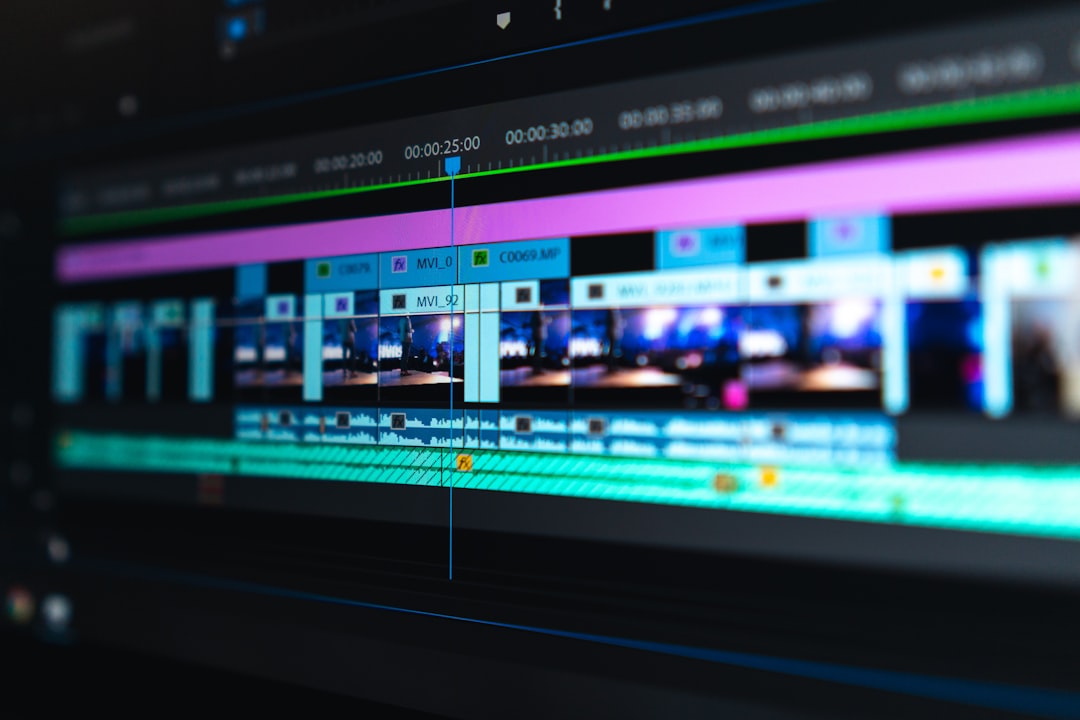
Switching camera angles manually on a multi-speaker podcast is tedious [4]. You sit with your number keys pressed, punching between angle 1, angle 2, and wide shots for an hour straight [2].
As detailed in chat-based AI editing guides for Premiere [2], modern multi-cam engine plugins analyze individual track volume levels to execute camera switches automatically [2].
Handling Up to 8 Speakers and 8 Cameras Automatically
Legacy multi-cam plugins struggled beyond two speakers [4]. If three people spoke at once, the software glitched or stayed stuck on a single angle [5].
KreateFlo’s Multi-Cam Editor handles up to 8 separate speakers and 8 dedicated camera feeds in Adobe Premiere Pro v1.0.3 [8]. The system analyzes who is actively speaking on each isolated audio track and cuts directly to their designated camera angle in real time [2].
Designating Wide Shots for Natural Narrative Breathing Room
A video cut that jumps frantically between single shots whenever someone utters a word feels chaotic [4]. Good multi-cam editing requires balanced shot selection [2].
Advanced plugins allow you to set wide-shot rules [2]. You can instruct the software to automatically switch to a wide camera angle whenever:
- Two or more people speak at the same time (cross-talk) [2].
- A single person speaks continuously for more than 15 seconds [8].
- No one speaks for longer than 2 seconds [3].
Eliminating Manual Multi-Cam Angle Toggling
Instead of spending hours tapping through multi-cam sequences [4], automated engines complete an initial 60-minute pass in roughly 90 seconds [2].
The plugin generates standard target edits right on your Premiere Pro sequence [8]. You can instantly tweak cuts manually using standard native key commands without breaking your multi-cam source layout [6].
Actionable Takeaway: Set your multi-cam plugin to trigger wide shots during cross-talk and long monologues to maintain visual interest [2].
Why Text-Based Editing and AI Plugins Work Better Together
Adobe Premiere Pro introduced native text-based editing to simplify script trimming [6]. However, combining native text editing with dedicated AI assembly plugins unlocks a significantly faster workflow [2].
As shown in walkthroughs of automated rough cut creation [3], text transcription acts as the map, while specialized plugins execute timeline edits [2].
Transcribing 40+ Languages Directly in Premiere Pro
Speech recognition inside modern extension panels supports over 40 languages [8], including regional languages like Bangla and Hindi [8].
Accurate voice transcription allows multi-lingual editing teams to process interviews without needing external translators for initial paper edits [6]. You can review transcribed text directly inside Premiere Pro and spot key quotes instantly [2].
Querying Transcripts to Build Highlight Reels
Instead of watching hours of raw interview footage to find specific discussion points [4], text-based search lets you query spoken words instantly [2].
As explained in guides on editing faster with AI [7], you can search for key phrases across multiple project transcripts [6]. Highlight relevant sentences to generate a narrative highlight assembly sequence [2]. To learn more about optimizing your podcast pipeline, check out our guide on fast podcast editing workflows in Premiere Pro.
Deleting False Starts and Repeated Takes via Text
When a podcast host stumbles over a line three times before getting it right, manual removal requires zooming in on waveforms [4].
With text-aware AI assembly tools [2], repeating lines and false starts are flagged automatically [3]. Deleting a sentence from the transcript panel immediately ripple-deletes the corresponding video and audio frames on your Premiere Pro timeline [6].
Pro Tip: Use transcript search to isolate and delete repeated introductory takes before running silence removal [2]. This keeps your sequence organized from the start [4].
Actionable Takeaway: Combine text search queries with automated silence removal to assemble clean radio cuts in minutes [2].
Can AI Plugins Replace Manual Rough Cuts in Premiere Pro for Complex Shows?

Despite speed gains, automated AI rough cuts are not a universal solution for every project [4]. Understanding the limits of AI automation saves you from broken edits on complex productions [5].
When AI Plugins Fail: Narrative Pacing and Emotional Beats
AI plugins operate on mathematical logic, volume thresholds, and text transcripts [2]. They do not understand comedic timing, dramatic tension, or emotional weight [4].
If an actor leaves a long pause to build dramatic suspense, a silence remover will cut that pause out [5]. If you let an automated tool process a dramatic narrative film, it will ruin the pacing [4].
+-----------------------------------------------------------------------+
| WARNING: DO NOT USE AUTOMATED SILENCE REMOVAL ON DRAMATIC FILMS       |
| Automated decibel trimming destroys dramatic pauses, character        |
| reactions, and atmospheric room tone in scripted narrative projects [4].|
+-----------------------------------------------------------------------+
Handling Unscripted Comedy, Overlapping Speech, and Dynamic Audio
Unscripted panel comedy and chaotic group podcasts pose major challenges for speech recognition algorithms [4].
When three guests talk over each other while laughing, decibel-based multi-cam algorithms can struggle to assign camera priority [5]. In these scenarios, automated passes require manual review [4].
Why KreateFlo Might NOT Be the Right Pick for Narrative Films
Let's be transparent. If you are cutting feature films, high-end narrative short films, or atmospheric art documentaries, KreateFlo is NOT the tool for you.
KreateFlo is engineered specifically for:
- Talking-head YouTube videos [8]
- Multi-cam interview podcasts [2]
- Corporate presentations and online courses [3]
- Content agencies building short-form clips from long-form footage [9]
If your content relies on visual storytelling rather than dialogue-driven structure, stick to manual editing passes [4].
Actionable Takeaway: Keep automated rough cuts restricted to dialogue-heavy content like podcasts, interviews, and courses [2].
KreateFlo vs Competitors: Pricing, Hours, and Extension Workflow
The market for Premiere Pro timeline tools has exploded, but pricing models and software execution vary drastically [4].
As discussed in editor community threads on rough cut speed [4] and user group reviews of jump-cut plugins [5], pricing and workflow stability matter to working editors [8].
| Feature / Metric | KreateFlo (v1.0.3) | FireCut | AutoPod | Descript |
|---|---|---|---|---|
| Platform Integration | Native Premiere CEP Panel [8] | Native Premiere CEP Panel | Native Premiere Panel | External Standalone App [4] |
| Pricing Model | Flat $19.99/mo (Pro) [8] | Credit-based / Per-hour | $29/mo flat | Subscription + usage caps [4] |
| Free Tier | 3 Tools Free Forever [8] | Limited Free Trial | 30-Day Trial | Limited Free Plan |
| Multi-Cam Support | Up to 8 Speakers / 8 Cams [8] | Multi-speaker support | Up to 10 speakers | Basic speaker track |
| Caption Presets | 22 Animated (WASM preview) [8] | Basic styles | None | Built-in styles |
| Tool Count | 33+ Editing Tools Bundle [8] | Single purpose tools | Multi-cam focus only | All-in-one text NLE [4] |
KreateFlo vs FireCut: Flat Monthly Rates vs Per-Hour Billing
FireCut is a solid tool, but its pricing model relies on credit-based or per-hour usage tiers that become expensive for high-volume content agencies.
KreateFlo Pro costs $19.99 per month for 20 AI processing hours [8]. For heavy production studios, the Studio Plan offers 50 AI hours for $44.99 per month [8]. You get predictable monthly billing without worrying about unexpected usage overages [8].
KreateFlo vs AutoPod, Phantom Editor, and Descript
AutoPod pioneered multi-cam auto-switching, but it remains a single-purpose tool priced at $29/mo without built-in silence removal, caption engines, or auto-reframing features [4].
Descript forces you to upload your source media to their cloud app, perform text edits, and export XML files back to Premiere Pro [4]. That workflow routinely causes unlinked files and sync errors [8]. Phantom Editor offers good timeline utilities, but lacks a complete 33+ tool suite inside a single panel [8].
The Power of 33+ Tools in One CEP Plugin Panel
Instead of paying for three or four separate subscriptions, KreateFlo bundles 33+ editing utilities into a single extension panel inside Adobe Premiere Pro [8].
You get silence removal, multi-cam switching, auto-reframing, repeat word removal, and CaptionFlow with 22 animated presets featuring real-time WebAssembly (WASM) previews [8].
Pro Tip: KreateFlo's free tier includes 3 core utilities forever (Silence Remover, Transition Assistant, and Copy & Paste) without entering a credit card [8].
Actionable Takeaway: Choose all-in-one native CEP plugins to avoid managing multiple tool subscriptions [8].
Step-by-Step: Setting Up an AI Rough Cut Workflow in Premiere Pro v1.0.3
Here is the exact step-by-step workflow for turning raw multi-cam footage into a polished rough cut in under two minutes using KreateFlo v1.0.3 inside Adobe Premiere Pro [8].
Step 1: Assembly Import and Multi-Cam Channel Mapping
- Open Adobe Premiere Pro and create a new sequence matching your source footage settings [6].
- Import raw video and audio files [2].
- Place your isolated microphone tracks on Audio Tracks 1 through 8 [8].
- Sync your multi-cam video clips and create a standard multi-cam target sequence [2].
Step 2: Automated Silence Trimming with Audio Padding
- Open the KreateFlo CEP panel inside Premiere Pro (
Window > Extensions > KreateFlo) [8]. - Select /features/silence-remover.html [8].
- Set your threshold to -42 dB and minimum silence duration to 500 ms [5].
- Set In-Pad to 120 ms and Out-Pad to 180 ms [5].
- Click Process Timeline [8]. Software will ripple-delete dead air across your sequence in seconds [3].
Step 3: Running AI Multi-Cam Switching and Transcript Pass
- Select KreateFlo Multi-Cam Editor from the panel menu [8].
- Assign each audio track to its corresponding speaker video angle [2].
- Set Wide-Shot rules to trigger on cross-talk or after 12 seconds of single-speaker monologue [8].
- Click Auto-Cut Multi-Cam [2]. The plugin builds all camera angle cuts directly on your target video track [8].
- Run the transcript pass to detect and remove filler words across 40+ supported languages [8].
Step 4: The 10-Minute Human Polish Pass
- Play back your pre-trimmed sequence at 1.5x speed [4].
- Adjust cuts around critical story beats or comedic punchlines [1].
- Drop B-roll cutaways onto Video Track 2 over long single-speaker segments [6].
- Apply CaptionFlow with WASM preview if delivering short-form clips [8].
- Send your clean, polished rough cut to the client or lead editor [4].
Actionable Takeaway: Follow a standardized 4-step rough cut sequence to eliminate manual timeline trimming [2].
Frequently Asked Questions
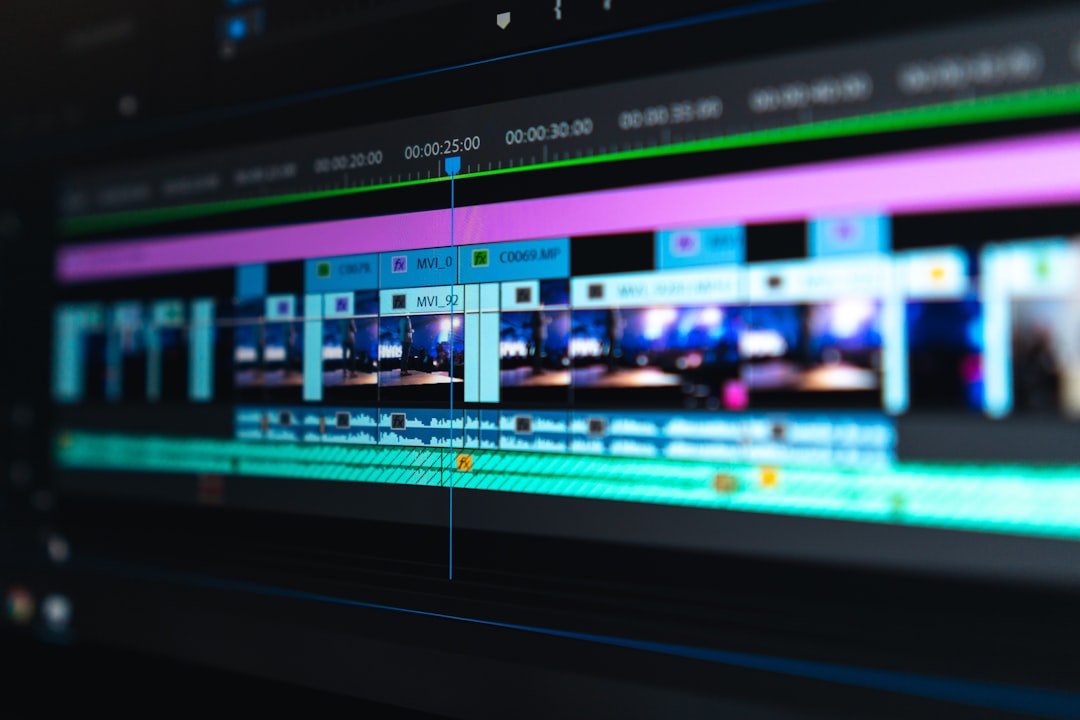
Can AI plugins automatically cut multi-cam interviews in Premiere Pro?
Yes. Plugins like KreateFlo analyze active audio tracks to automatically switch camera angles for up to 8 speakers and 8 cameras, applying wide shots during cross-talk or pauses [8].
How much time do AI plugins save on Premiere Pro rough cuts?
On average, automated timeline plugins drop the rough cut assembly phase from 3–4 hours down to under 2 minutes for a typical 60-minute podcast or interview [2].
What is the difference between text-based editing and AI rough cut plugins?
Text-based editing lets you manually delete transcript words to cut video [6]. AI rough cut plugins automate the process by programmatically trimming silences, filler words, and multi-cam switches across the timeline without requiring manual text selection [2].
Will AI plugins replace assistant editors in video production?
No. They replace repetitive tasks like trimming dead air and building initial multi-cam sequences [4]. Assistant editors use these tools to skip mechanical assembly and focus on story structure, graphics, and B-roll [4].
Is KreateFlo a standalone application or a Premiere Pro extension?
KreateFlo is a native CEP extension panel that runs directly inside Adobe Premiere Pro [8]. You edit directly on your sequence without exporting or round-tripping media to external web apps [8].
Final Thoughts
AI plugins cannot replace your creative eye, but they will replace the 4 hours you waste trimming silence and switching camera angles by hand [2]. Treat automated rough cuts as your assistant editor pass: let the software handle the initial assembly in 90 seconds [3], then spend your energy on timing, narrative flow, and visual polish [4].
Download KreateFlo for Premiere Pro to grab 3 essential tools free forever and test the Pro features on your next project [8].
- youtube.com/watch
- cutback.video/blog/how-to-create-an-auto-rough-cut-in-premiere-pro-with-chat-based-ai-editing
- youtube.com/watch
- reddit.com/r/editors/comments/1p5nijm/what_tools_are_you_using_to_speed_up_rough_cuts/
- facebook.com/groups/APPIGU/posts/6701748013188564/
- adobe.com/products/premiere/ai-video-editing.html
- youtube.com/watch
- reddit.com/r/VideoEditingTips/comments/1n5hyqb/i_created_premiere_pro_plugin_that_uses_ai_to/
- instagram.com/reel/DZGebaHD_jS/
Try KreateFlo free
3 tools forever, 7-day trial on the rest. No credit card to start.
Download KreateFlo