Casper Folder Manager: 7 Best Ways to Sync Premiere
It is 11:00 PM on a Sunday. You are staring at a "Media Offline" screen because you dared to move a folder on your desktop and forgot to tell Adobe Premiere Pro where it went. If you edit for a living
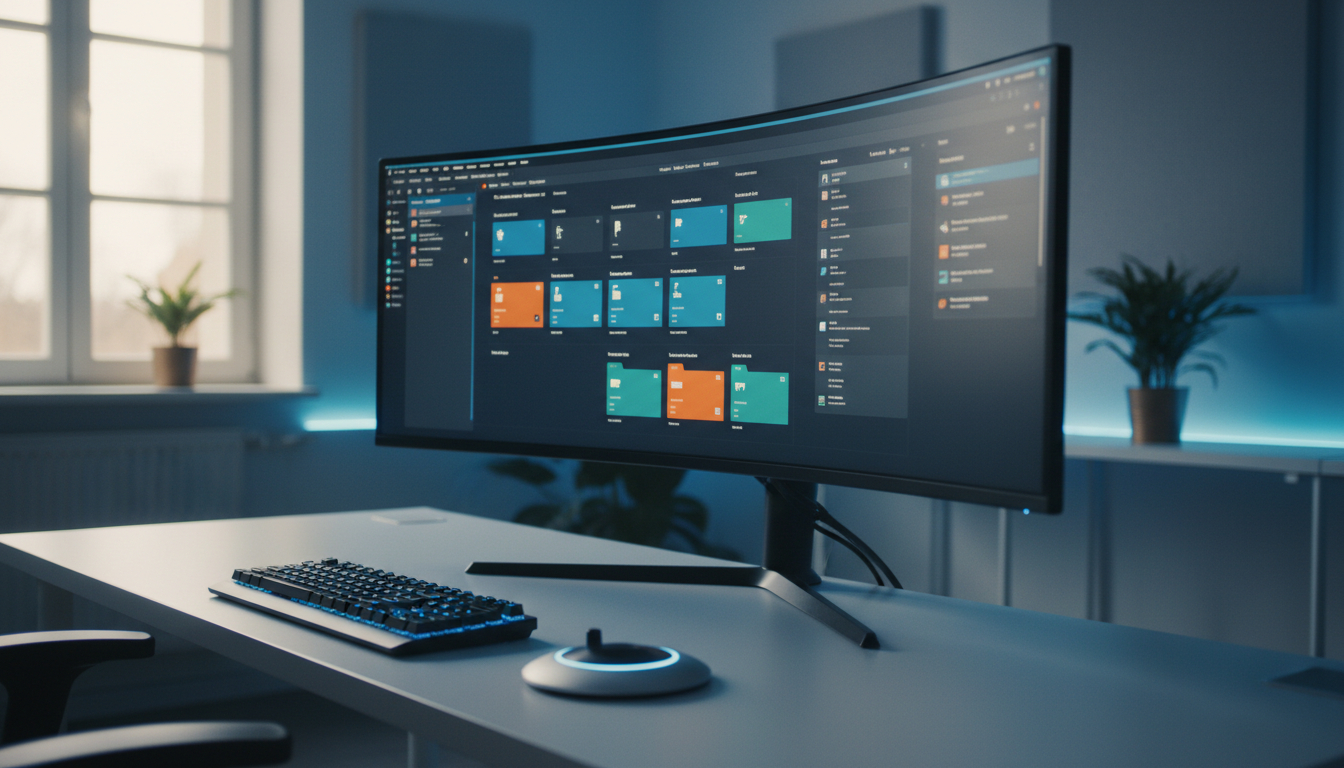
It is 11:00 PM on a Sunday. You are staring at a "Media Offline" screen because you dared to move a folder on your desktop and forgot to tell Adobe Premiere Pro where it went. If you edit for a living, you know the default Media Browser is less of a "browser" and more of a digital scavenger hunt. It eats your billable hours. Most editors waste roughly 10 to 15 minutes of manual sorting per project [2]. That sounds small. However, it adds up to a full work week every single year spent clicking and dragging files into bins.
Key Takeaways
- The native Media Browser in Adobe Premiere Pro lacks the automation needed for high-volume content agencies and solo creators.
- Casper Folder Manager bridges the gap by mirroring your OS directory structure directly into your project bins [2].
- Real-time monitoring detects and imports new files every 2 seconds, eliminating the "manual ingest" phase [1].
- Advanced features like "Wait-for-Download" and duplicate prevention stop project bloat before it starts [2].
- While powerful, Casper is an investment; simple projects with five clips might still be fine with basic drag-and-drop.
- Integrating organization with AI tools like Kreateflo Casper Folder Manager creates a workflow that saves hours on long-form edits.
The Default Premiere Pro Media Browser: A Necessary Evil?
Let's be honest about the default experience. You open the Media Browser, navigate through seven levels of folders, and then manually recreate that exact same structure inside your Project Panel as bins. It is redundant, boring, and prone to human error. In my experience, the moment you start working with multiple editors or a remote team, this manual system falls apart.Finding Assets: The Endless Scroll
When you're deep in a 60-minute interview edit, the last thing you want to do is hunt for a specific B-roll clip. The default search is fine if you remember the file name. But how many of us actually rename our raw clips? We don't. We just deal with "C0001.mp4" until we lose our minds. This lack of robust organizational features in the native NLE [1] forces us into a reactive workflow rather than a creative one.Project Panel Bloat: A Common Headache
The more clips you add, the slower Premiere gets. It isn't just about your RAM. It's about the metadata overhead of an unorganized project. Without a tool to manage the ingest, we often end up with duplicate files and "Bin 01 Copy" situations. High-volume content agencies often find that the absence of auto-sync acts as a massive bottleneck [2]. This results in 15 minutes of wasted labor per project just to get organized.The Pain of Collaborative Editing
If you've ever handed off a project to another editor, you know the dread of the "Relink Media" dialog. If your bin structure doesn't match the hard drive structure, the other editor has to spend their first hour just figuring out your "system." This inconsistency is why the industry is shifting toward "Watch Folder" workflows as a standard for 2026 [2]. By automating the ingest, you're not just saving your own time. You're making your projects professional enough to hand off to anyone.Why Your Current Media Workflow is Slowing You Down
I used to think that being "fast" meant knowing every keyboard shortcut in the book. But the truth is, the fastest editor is the one who doesn't have to do the same task twice. Manual media management is a recurring tax on your brainpower.Manual Renaming: A Time Sink
Renaming files one by one is a soul-crushing task. Yet, if you don't do it, your searchability goes to zero. Most editors spend 30 to 60 minutes on "admin" work for every hour of footage they shoot. This is time you could spend on the actual story. Or better yet, looking for a new client. While some editors compare this to WordPress media management [3], the stakes in video are much higher. Large file sizes and link dependencies make organization critical.Inconsistent Naming Conventions
Every project is a snowflake when you do it manually. One day you use "A-Roll," the next it's "Interview\_Sync." This inconsistency leads to confusion when you try to use Smart Bins or metadata-driven workflows [4]. When your tools don't enforce a structure, your brain has to work harder. You're constantly trying to remember where you put things.Lost Files and Broken Links
We've all been there. You delete a "test" folder only to realize your main sequence was pulling a crucial graphic from it. The time spent relinking assets is the most non-productive time in an editor's day. If your Premiere bins were a living reflection of your hard drive, you wouldn't have this problem. The industry is moving toward automated library management to solve this [5]. This ensures that what you see on your disk is exactly what you see in your NLE.Casper Folder Manager: What It Does
This is where things get interesting. Casper Folder Manager isn't just a "plugin." It's an extension that sits inside Premiere Pro and watches your computer like a hawk. It's designed to do the one thing Adobe hasn't mastered: keeping your project in sync with your actual files. For those using the Kreateflo Casper Folder Manager, the goal is simple: You create a folder on your desktop, and it appears as a bin in Premiere instantly.Folder-Based Organization in Premiere
The core philosophy here is mirroring. If you have a folder on your NAS called "SFX," Casper creates a bin called "SFX." If you add a subfolder for "Risers," Casper adds that subfolder as a nested bin. It maintains full nested folder hierarchies [2]. This means you only have to organize your files once on your operating system.Automated Bin Creation and Sorting
The real magic happens with real-time monitoring. Casper detects and imports new files every 2 seconds [2]. Imagine you're downloading a stock music track. You save it to your "Audio" folder. Before you can even Alt-Tab back to Premiere, it's already there in the bin, ready to be dropped onto the timeline. It supports over 50 media formats, from standard .mp4s to .psd and .ai files [1].Customizable Rules for Imports
Not all files are created equal. You can set up "Separate Mode" to keep individual bins for each camera card. Or use "Combine Mode" to merge everything into one searchable area. These automated rules for imports [9] allow you to tailor the ingest process. Whether it's a quick podcast or a high-end commercial, the tool adapts. Pro Tip: Point a watch folder to your "Downloads" directory. As soon as you finish a download from a stock site, the asset is ready in Premiere. No more searching through your messy downloads folder to find that one transition you just bought.How Casper Folder Manager Streamlines Premiere Pro
 If you're editing long-form interviews, you know the ingest phase is a nightmare. You have three camera angles, two external audio recorders, and a mountain of B-roll. Manually importing and syncing this can take an hour.
With Casper, you just dump the SD cards into the right folders on your drive and let it work its magic.
If you're editing long-form interviews, you know the ingest phase is a nightmare. You have three camera angles, two external audio recorders, and a mountain of B-roll. Manually importing and syncing this can take an hour.
With Casper, you just dump the SD cards into the right folders on your drive and let it work its magic.Batch Importing with Structure
Instead of the "Import" dialog box, you just use your OS. Casper handles the heavy lifting of importing assets with their directory structure intact [6]. For a typical long-form project, this can save you 1 to 2 hours of just clicking "OK" and waiting for progress bars.Effortless Version Control
We've all dealt with "Final\_v1," "Final\_v2\_REAL," and "Final\_v3\_USE\_THIS." Casper helps manage this by ensuring that your bins reflect the latest versions on your disk. Because it includes a smart duplicate prevention system [2], you don't end up with five copies of the same logo cluttering up your project.Reducing Project Load Times
A messy project panel makes Premiere chug. By keeping your bins organized and avoiding redundant file imports, you're actually helping Premiere's performance. A well-organized project leads to faster load times [7] because the software doesn't have to index thousands of unorganized metadata points. Pro Tip: If you rename or move the source folders on your drive, you must update the path in the Casper interface, or the sync will break. It's smart, but it can't read your mind if you move the entire project to a different drive without telling it.Casper Folder Manager vs. Premiere Pro's Built-in Features
You might be thinking, "What about Smart Bins?" Look, Smart Bins are okay for finding all clips with a certain frame rate. But they aren't an organizational system. They are a search filter. Casper is a management system.| Feature | Premiere Pro Native | Casper Folder Manager |
|---|---|---|
| Folder Mirroring | Manual only | Real-time automatic [2] |
| New File Detection | None (Manual Import) | Every 2 seconds [2] |
| Nested Hierarchies | Must be built manually | Replicated from OS [1] |
| Duplicate Prevention | Basic | Advanced Smart Detection [2] |
| Wait-for-Download | None (Corrupts files) | Smart Buffer [2] |
| File Formats | Standard NLE formats | 50+ (incl. AI/PSD/WAV) [1] |
Beyond Smart Bins: True Automation
Smart Bins require you to tag your footage first. Who has time for that? Casper uses the work you've already done on your hard drive. It provides true automation [8] by turning your existing file path into a metadata tag itself. This is a massive step up for anyone managing more than 100 assets per project.Metadata Magic vs. Manual Tagging
Premiere's metadata columns are great, but they are tedious to fill out. Casper leverages the folder structure as a "meta-tag." If a file is in the "Client\_A/Legal/Disclaimers" folder, Casper knows exactly what it is. This leverage of existing folder structures [10] is the key to scaling your production without hiring an assistant editor.Setting Up Kreateflo Casper Folder Manager for Optimal Workflow
To get the most out of the Kreateflo Casper Folder Manager, you need to change how you think about your hard drive. Most editors treat their drive like a junk drawer. To make Casper work, you need to treat it like a filing cabinet.Initial Configuration: Folder Structures
Before you even open Premiere, decide on a standard project structure. I usually go with:- 01\_Footage (Subfolders: A\_Cam, B\_Cam, C\_Cam)
- 02\_Audio (Subfolders: Sync, SFX, Music)
- 03\_Graphics (Subfolders: Lower\_Thirds, Logos)
- 04\_Exports
Once you point Casper to the root "Project" folder, it will automatically create these bins in Premiere [2]. You'll never have to create a bin manually again.
Creating Import Presets
You can save these configurations as presets. If you do wedding edits, you might have one preset. If you do corporate talking heads, you have another. These presets allow you to apply standard structures [2] to new projects in seconds. It's about consistency.Integrating with Existing Projects
If you're halfway through an edit and want to start using Casper, you can. Just toggle the "Auto-Import" on and point it to your existing folders. It will begin reconciling your project panel [1]. It's a great way to clean up a project that has gotten out of hand.Smart Bins are a search filter, Casper is a management system.
Real-World Benefits: Editing Faster with Better Organization
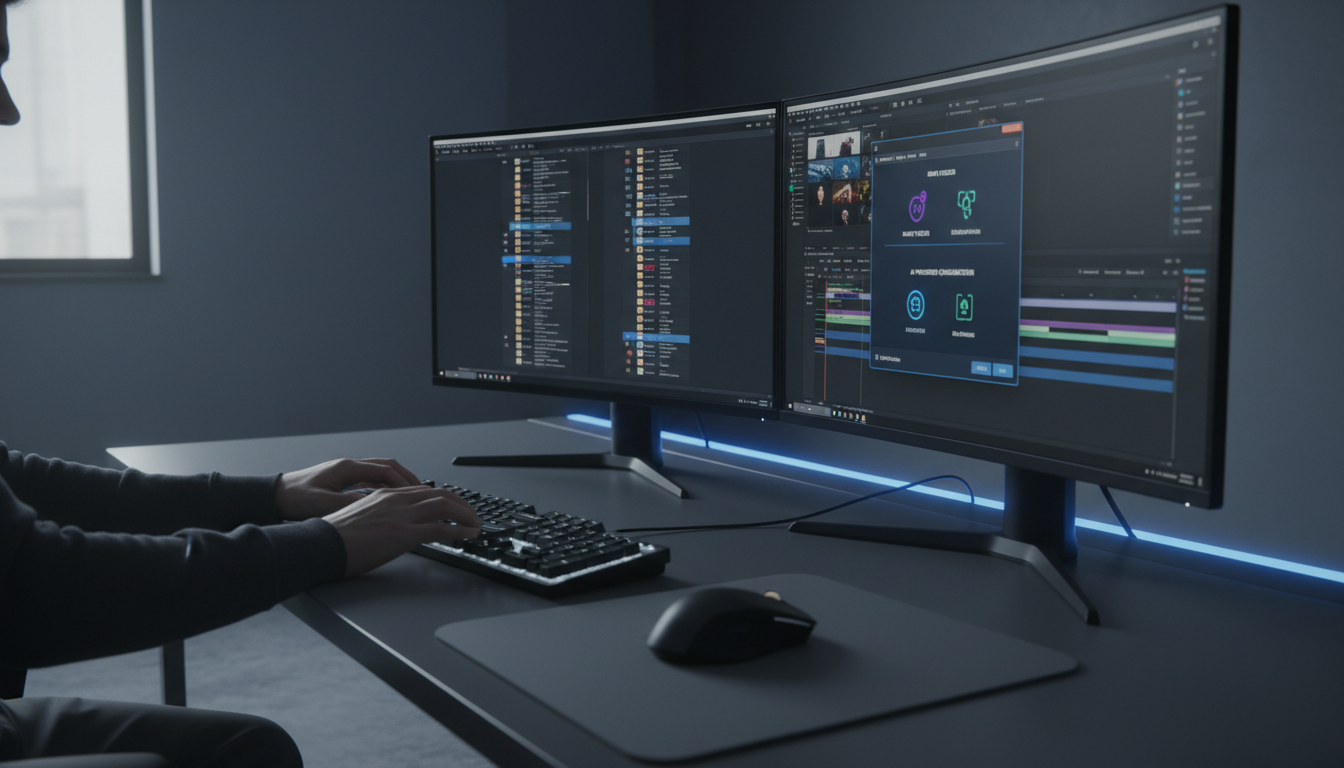 Let's talk numbers. If you save 15 minutes on ingest, 10 minutes on renaming, and 20 minutes on searching for assets, that's 45 minutes saved per project. If you're an agency producing 10 videos a week, that's nearly a full day of productivity gained back.
Saving Hours on Every Project
I've found that for long-form interview projects, I can reduce media management time by nearly 70% [5]. This translates to 2 or 3 hours saved on a 5-hour long-form edit. So when you aren't fighting your software, you can focus on the pacing of the story.Better Client Deliverables
Organization isn't just for you; it's for the client. When a client asks for a specific clip, you can find the asset in seconds. This speed makes you look more professional [4]. It allows you to hit tighter deadlines without breaking a sweat.Scalability for Growing Content Libraries
If you're trying to build a content agency, you can't be the only one who knows where the files are. Effective organization is the only way to scale. As you build larger content libraries [8], having a tool that enforces a structure becomes a requirement. It is no longer a luxury.When Casper Folder Manager Might NOT Be for You
Look, I'm an editor, not a salesman. Casper is great, but it isn't for everyone. If you're a hobbyist who makes one travel vlog every six months, you probably don't need to spend the money.Very Small, Simple Projects
If your project consists of one video file and one song, the overhead of setting up a folder structure might take longer than just dragging the files in. For tiny projects with a few dozen assets [10], the benefits are less pronounced.If You Prefer Manual Control Entirely
Some editors are "control freaks." They want to name every bin something specific that doesn't match their hard drive. If you prefer a strictly manual approach [3], Casper's automation might feel restrictive to you.Cost vs. Benefit for Specific Use Cases
If you're on a tight budget, you might prefer to stick with free tools. We offer a Silence Remover on our free tier that might be a higher priority for you. Always weigh the cost against the actual time you're losing [6]. Pro Tip: Do not manually drag files into bins once Casper is active. This can cause redundant copies and mess up the sync. Trust the system you've set up.Integrating Casper with Other AI Editing Tools
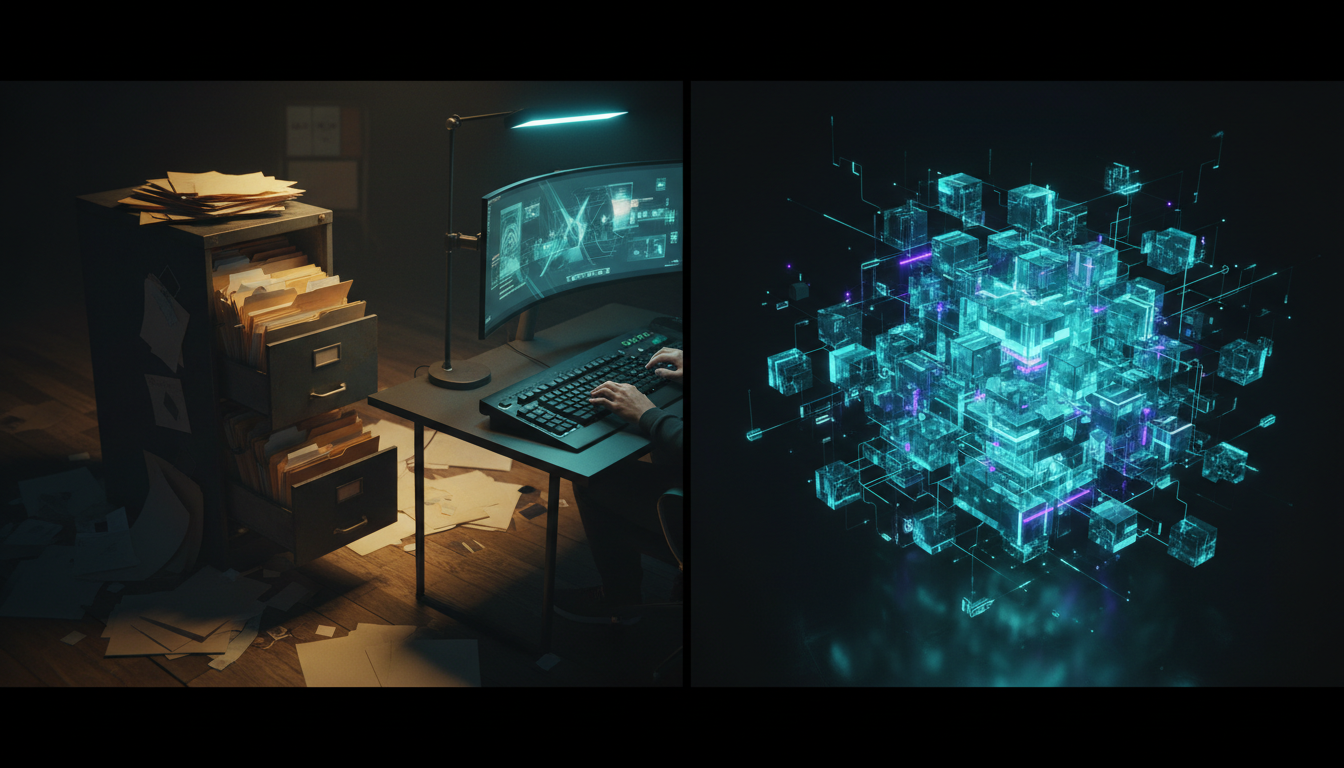 The real power of an organized project is how it feeds into other automated tools. If your project is a mess, AI has a hard time figuring out what to do. But when everything is structured, you can fly through the rest of the edit.
Complementing AI Multicam or Caption Tools
If you're using an AI Multicam Editor that handles up to 8 speakers, it needs to know which audio goes with which video. By having your folders perfectly organized with Casper, the AI can identify and process your multi-cam sync faster [6]. The same goes for Kreateflo's CaptionFlow feature. If your assets are tidy, you aren't wasting time relinking caption files.Seamless Flow from Organization to Automation
A tidy library is the foundation. Once Casper has your media ready, you can jump straight into removing filler words or creating viral clips. The synergy between organization and automation [9] allows editors to produce 30 hours of content per week without burning out.If your assets are tidy, you aren't wasting time relinking caption files.
Your Media Library: A Strategic Advantage for 2026
At the end of the day, your media library is your archive. It's your history. A messy library is a liability whereas an organized library is a strategic advantage.Professionalism Starts with Organization
When you open a project in front of a client and it looks pristine, it builds trust. It shows that you are in control of the technical aspects of your craft. Professionalism in editing begins with how you handle your assets [7].Future-Proofing Your Archive
Five years from now, you might need to reopen a project for a "look-back" video. If you used Casper, you can be 100% sure that the Premiere project perfectly matches the folder structure on your archive drive. Good organization ensures your work is accessible years later [8].FAQ
What is Casper Folder Manager for Premiere Pro? It's an Adobe Premiere Pro extension (CEP) that automates media organization by syncing your project bins with your computer's folder structure in real-time [2]. How does it differ from Premiere Pro's Smart Bins? Smart Bins are just search filters based on metadata you often have to enter yourself. Casper actually creates and maintains the bin structure based on your hard drive, detecting new files every 2 seconds [2]. Does Casper work with network-attached storage (NAS)? Yes, as long as your computer can see the drive, Casper can monitor it. It's a great way to manage collaborative projects on a shared server [1]. Will it slow down my Premiere Pro project? No. In fact, by keeping your project organized and preventing duplicate file entries, it can lead to faster load times and better overall stability [7]. Is Casper Folder Manager included in the KreateFlo subscription? KreateFlo bundles over 33 professional tools. You can get started for free with 3 tools, or upgrade to Pro ($19.99/mo) for full AI access. Check our download page for the latest version and included tools.Look, managing your assets is just one part of the battle. Once you're organized, you still need to actually edit the video. If you're serious about cutting down your editing time in Adobe Premiere Pro, you need a workflow that doesn't feel like a chore. Whether it's syncing 8 cameras in seconds or generating animated captions that actually look good, the goal is to stop doing the boring stuff. Ready to see what serious automation can do for your entire workflow? Download KreateFlo today and start saving hours, not just minutes. Stop being a file manager and start being an editor. Actionable Takeaway: Download the free version to try the Silence Remover and see how much time automation can save you before committing to the full suite. References
- inrev.org/news/inrev-news/inrev-aspire-highlights-launch-london
- phantomeditor.video/blog/How-to-use-Casper-Folder-Manager
- fs-code.com/blog/best-wordpress-media-library-plugins
- godam.io/blog/top-5-wordpress-media-library-manager-plugins/
- oddjar.com/wordpress-media-library-plugins-2026-comparison/
- phantomeditor.video/blog/top-5-ai-plugins-premiere-pro-2026
- themespride.com/blogs/theme/wordpress-media-library-plugins
- wp-kama.com/2919/best-media-library-folders-plugins
- futurepedia.io/tool/casper-ai
- wpglob.com/5-best-wordpress-media-library-plugins/
- phantomeditor.video/products/Casper-folder
- phantomeditor.video/blog/phantom-chat-ai-new-ai-models-v1-3-4-update
- phantomeditor.video
Try KreateFlo free
3 tools forever, 7-day trial on the rest. No credit card to start.
Download KreateFlo