Casper Folder Manager: Essential 2026 Premiere Pro Guide
Casper Folder Manager: Essential 2026 Guide for Premiere Pro You spend 15% to 20% of your editing day doing nothing but hunting for files [2][7]. Let that sink in. If you work an eight-hour shift, nea
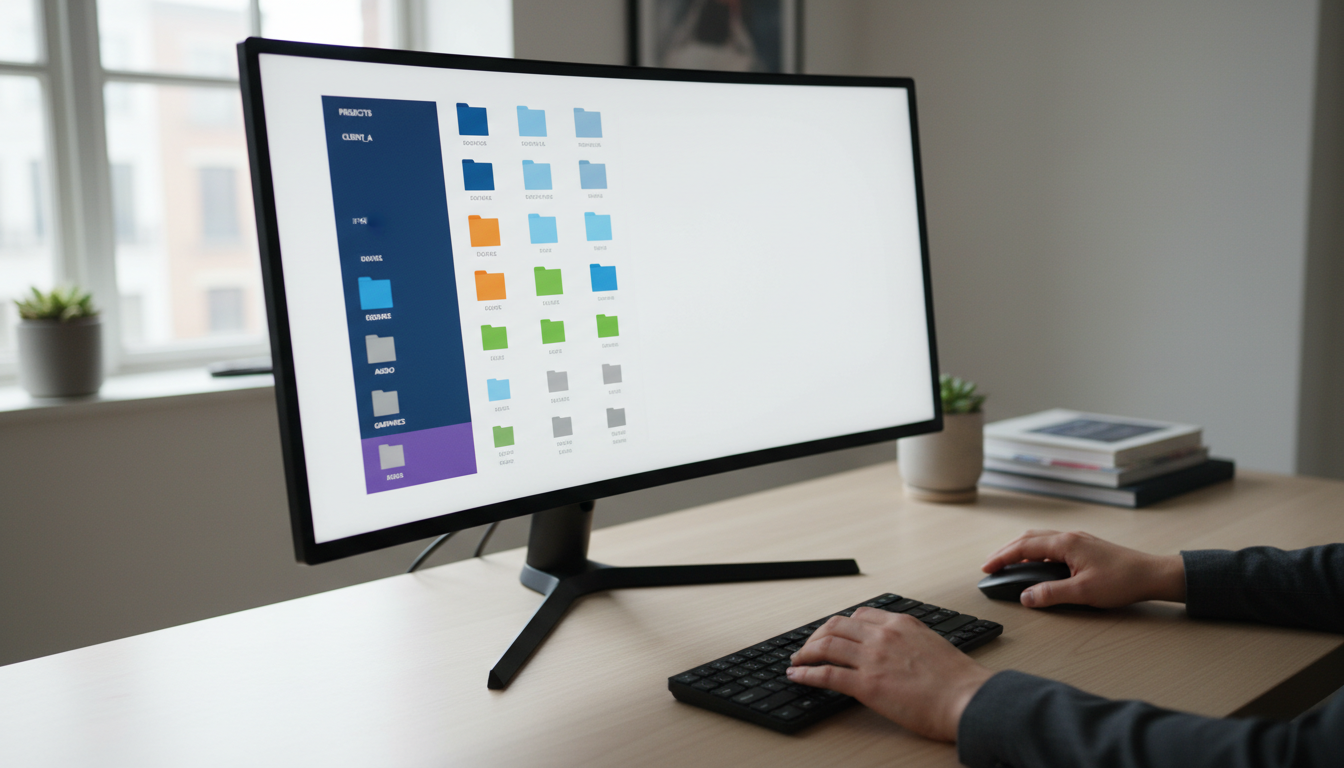
You spend 15% to 20% of your editing day doing nothing but hunting for files [2][7]. Let that sink in. If you work an eight-hour shift, nearly two hours are wasted on the mind-numbing task of dragging assets from your desktop into a project bin. In 2026, manual media management isn't just a "part of the job"—it's a failure of your workflow.
The industry has shifted entirely toward passive synchronization [2][4]. This means your software handles the grunt work of organizing while you focus on the story.
I've been editing in Adobe Premiere Pro for over a decade. The biggest productivity killer has always been the "where did I save that SFX?" loop. Tools like the KreateFlo Casper Folder Manager have fundamentally changed the math for professional editors. Instead of clicking 'Import' fifty times a day, you manage your local directories and the plugin mirrors that structure in real-time [1][9]. It's the difference between being a file clerk and being a creative director.
Key Takeaways
- Automate Everything: Casper monitors your OS folders every 2 seconds to auto-import new media [1].
- Format Versatility: It supports 50+ formats, including R3D, MXF, PSD, and AI files [1][3].
- Smart Modes: Choose between Combine, Separate, or Nested modes to fit your specific project hierarchy [1][9].
- Auto-Download Sync: Pull web assets directly into your bins the moment they hit your computer [1][7].
- Scalability: Essential for teams needing identical local and project structures across Mac and Windows [2][8].
Stop Manual Imports: Why Casper Folder Manager is Essential in 2026
The old way of editing is dead. For years, we were taught that a "good editor" meticulously hand-organized every bin and renamed every clip. That was fine when we were producing one video a month. But in a world where agencies ship 30 hours of video weekly, that manual approach is a bottleneck that kills your margins [2][5].
We've moved into the era of passive synchronization [2]. Now, the folder structure on your hard drive is the folder structure in your project. Here's why that matters:
When you use a tool like Casper, you aren't just saving time. You're reducing cognitive load. Every time you tab out of Premiere to find a file, you break your creative flow. Expert editors view organization as the "operating system" of the edit [7]. If your OS is buggy and manual, your creative output suffers.
Agencies that prioritize folder-watcher plugins [7] report that relinking offline media takes seconds instead of hours [8]. Why? Because the local and project structures are identical.
20% manual asset management
The scale of modern projects requires precision that humans cannot maintain over a long day. If you're editing a multi-cam podcast with eight angles and dozens of b-roll clips, one misplaced file can derail your timeline. Automation is the only way to scale a production business without hiring a full-time assistant editor just to manage bins [5][9].
Actionable Takeaway: Stop dragging and dropping. Create a standardized folder structure on your drive and let a folder manager mirror it to Premiere automatically.
Your First Setup: Installing & Configuring Casper Folder Manager
Installing Casper is straightforward. It operates as a CEP extension within Adobe Premiere Pro, not a separate app that forces you to leave your workspace [1][9]. You'll find it under your Extensions menu.
The first thing to understand? Casper isn't just "looking" at a folder. It's actively monitoring it every 2 seconds for any changes [1].
Understanding the Three Import Modes
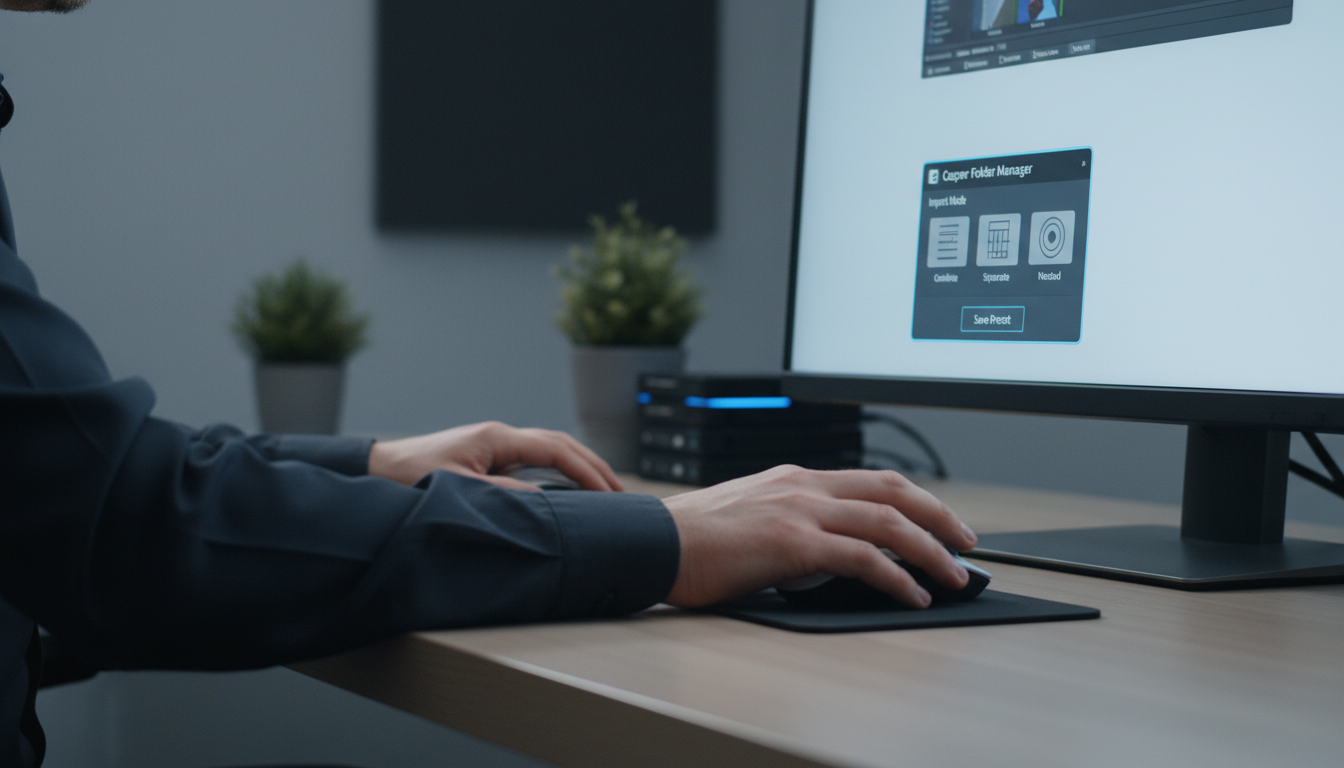
The power of the KreateFlo Casper Folder Manager lies in how it handles your specific organizational style. You're given three primary modes:
- Combine Mode: This takes every file from your watched folder and its subfolders and dumps them into a single, flat bin [1]. This is great for sound effects libraries where you want everything accessible in one place.
- Separate Mode: This creates one bin for each subfolder it finds [1][9]. If you have folders for "Camera A" and "Audio," Casper builds those exact bins for you.
- Nested Mode: This is the most popular choice for long-form editors. It mirrors your OS hierarchy perfectly [1], keeping subfolders within folders exactly as they appear on your drive.
The Workflow Shift:
| Feature | Manual Import | Casper Automation |
|---|---|---|
| Import Speed | 30-60 seconds per batch | 2 seconds (Instant) |
| Organization | Human error prone | 1:1 Mirror of Drive |
| New Assets | Manual drag & drop | Auto-detected |
| Structure | Often messy | Perfectly nested |
Pro Tip: Use 'Nested Mode' for your main project folder but keep a separate 'Combine Mode' watch folder for a generic "Impact SFX" folder. It keeps your project clean while making fast-paced sound design easier.
Actionable Takeaway: Set up your first 'Nested' watch folder today for a live project and watch your bins populate in real-time as you move files on your desktop.
Automate Your Downloads: Casper's Game-Changing Auto-Import

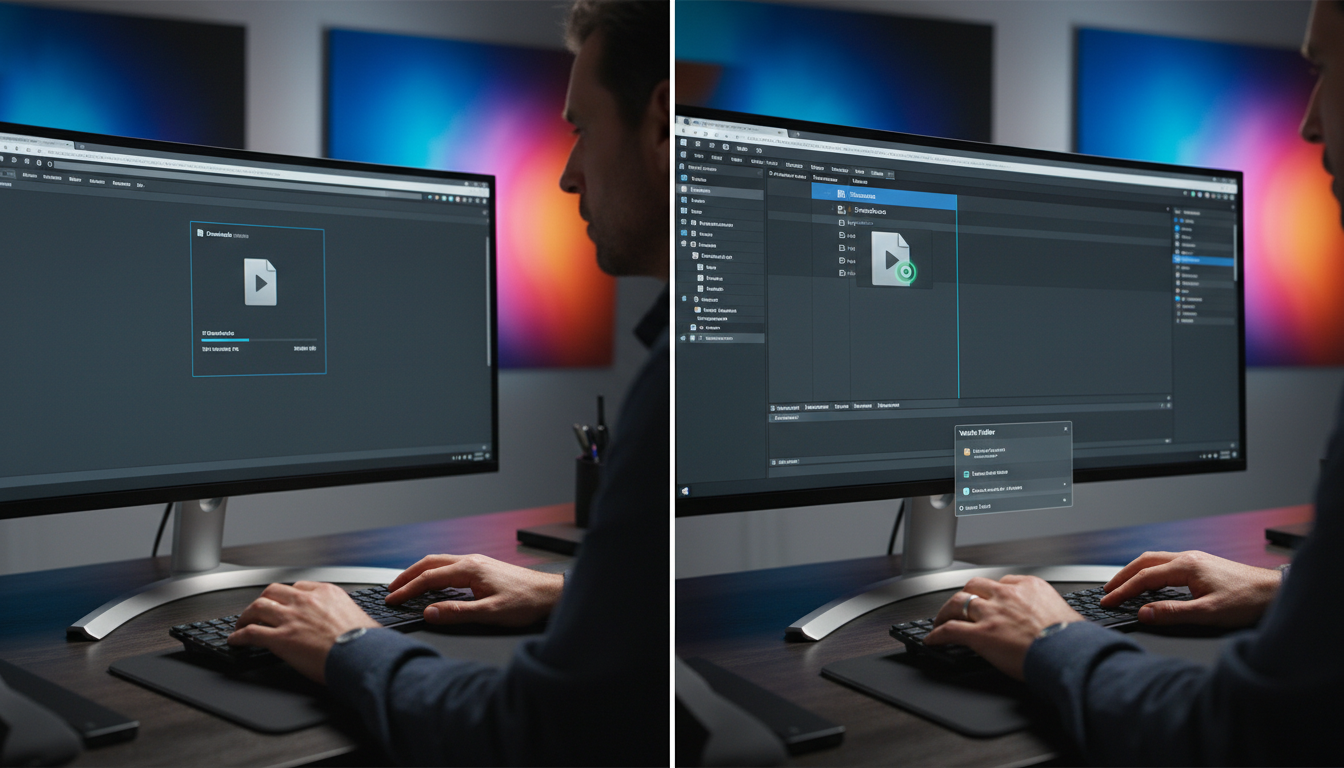
The newest version introduces a feature that should be standard in every NLE: the "Auto-Import upon Download" function [1][7].
Think about your current b-roll workflow. You find a clip on a stock site, download it, go to your downloads folder, and then drag it into Premiere. With Casper, you can set your system's "Downloads" folder as a watched directory [1].
The moment that download hits 100%, Casper detects it and pulls it directly into a designated bin [1] in Premiere Pro. You don't even have to switch windows. This feature alone saves high-volume social media editors hours of "window-switching" time every week [4][7].
industry trends in post production automation"The mental energy saved by not having to hunt through a messy Downloads folder is worth the price of the plugin alone."
But what about the clutter? You don't want every random PDF or screenshot ending up in your project. Casper allows you to set filters and presets [9] so it only looks for specific file types. You can tell it to only watch for .mov, .mp4, and .wav files [1]. You can also verify the status of these imports through real-time indicators in the Casper panel [1].
Actionable Takeaway: Map your browser's download folder to a specific "Web Assets" bin in Casper to eliminate the download-and-drag loop.
Smart Organization: Keeping Your Premiere Pro Project Clean
A messy project panel is a slow project panel. Will automation create a mess of duplicates?
The KreateFlo Casper Folder Manager solves this with a built-in duplicate detection system [1][9]. If you accidentally move a file between two watched folders, Casper recognizes the metadata and prevents a second import [1].
Multi-Cam Workflow Optimization
If you're editing multi-camera podcasts—a staple for most creators—organization is everything. I recommend using "Separate Mode" for multi-cam shoots. By placing each camera's cards into their own folders on your drive, Casper automatically groups the footage [10] into camera-specific bins.
Once organized, other AI tools can then automate the actual multi-cam editing itself. For instance, after Casper organizes your angles, you can use the AI Multi-Cam Editor to cut the entire show based on who is speaking. This turns a four-hour manual task into a 90-second automated process.
Deep Subfolder Scanning
For complex projects like documentaries, you might have folders buried five levels deep. Many basic folder watchers fail here. Casper includes "Subfolder Scanning" [1]. This ensures even the most buried SFX or b-roll clip is caught and imported into its correct place [1].
Actionable Takeaway: Use 'Separate Mode' for your footage folders to ensure your multi-cam angles are always perfectly binned before you start your sequence.
Casper for Teams: Cross-Platform & Collaborative Workflows
In a professional agency setting, you're rarely editing in a vacuum. You might start a project on a Mac in the studio and finish it on a Windows machine at home. One of Casper's most underrated features is its identical functionality across macOS and Windows [2][9].
Collaborative teams benefit from this because it enforces a standardized folder structure [8]. When every editor uses Casper, the project panel looks the same, regardless of who is in the chair. This consistency is the "secret sauce" for high-output houses [7].
| Before | $19.99 |
|---|---|
| After | $50.00 |
Relinking media is usually a nightmare when moving projects between systems. However, because Casper maintains a one-to-one relationship between the OS and Premiere [7][8], relinking becomes almost instantaneous. Premiere knows exactly where to look because the structure hasn't changed.
Actionable Takeaway: Create a "Team Master Folder" structure. Every time a new project starts, duplicate that empty structure so Casper starts with a clean, familiar template.
Common Mistakes with Casper Folder Manager (and How to Avoid Them)
Automation is powerful, but you must respect the rules. The most common mistake is renaming system folders or files [8] after Casper has synced them. Since Casper is a one-way mirror, changing a folder name on your desktop will cause Premiere to lose the link [1][8].
Another trap is mixing manual drag-and-drop imports with Casper's automated watch-folders. Doing this bypasses Casper's duplicate detection [1]. You'll end up with the same clip twice—once in the Casper-managed bin and once where you manually dropped it. This bloats your project file [1][9].
Warning: Never rename your root "Watch Folder" while Premiere is open. It will immediately trigger a project-wide 'Media Offline' error that can be a pain to fix if you have hundreds of clips.
Finally, avoid the "Flat List" problem. If you have a complex project and fail to enable 'Nested Structure' mode, Casper will give you a giant, unorganized list of files [9]. This defeats the entire purpose of the plugin.
Advanced Strategies: Master Your Media Workflow in Premiere Pro
Once you have the basics down, you can start using the KreateFlo Casper Folder Manager in creative ways. For example, you can create a "Project Template" file that already has watch folders pre-mapped [1][7]. This allows you to go from a blank project to a fully organized bin structure in under 60 seconds.
The Music & SFX "Test Drive" Workflow
Try setting up a dedicated "Music/SFX" watch folder [1]. As you browse music libraries, download preview tracks directly into that folder. Because Casper is monitoring it, those tracks appear in Premiere immediately [1]. You can drop them into your timeline to see if the vibe works without stopping playback. If a track doesn't work? Delete it from your folder, and it's gone from your project.
Metadata and Duplicate Consolidation
Even with automation, project metadata can get messy over time. I recommend regularly using Premiere Pro's 'Consolidate Duplicates' command how to consolidate duplicates in premiere pro alongside Casper. This ensures your project metadata remains clean [8] during long-form edits that span months.
The Future Is Now: Casper and the AI Editing Ecosystem of 2026
We're entering the age of "Meta-Layer" media management. In 2026, plugins like Peakto [3] integrate with folder managers to add AI-powered metadata tagging before the files even hit your bin. Imagine a world where Casper imports your footage, and AI immediately tags every clip with "Outdoor" or "Interview" [4][6].
We're also seeing a shift toward one-time payment models [5] as editors grow tired of "subscription fatigue." Utilities like Casper are increasingly bundled into larger AI suites [9].
Modern workflows now trigger automatic background transcription as soon as a file is detected in a watched folder [4]. By the time you finish your first coffee, Casper has imported the footage, and the CaptionFlow engine has already generated your animated subtitles.
| 40|Content | NaN |
|---|
The KreateFlo Casper Folder Manager is the foundation for this ecosystem. Without an automated way to get media into the software, all the AI transcription in the world won't save you from the chaos of a disorganized project [2][7].
FAQ: Everything You Need to Know About Casper
How does Casper Folder Manager handle NAS or cloud drives? Casper monitors OS-level folders [1]. If your NAS or cloud drive is mounted as a local drive with a drive letter or network path, Casper will monitor those folders and import media effectively [8].
How do I prevent Casper from importing temporary system files? Casper includes filters to ignore common temporary files [1]. You can also configure specific file type exclusions in the settings to ensure only relevant media—like .mp4 or .wav—clutter your project panel [9].
What is the difference between Casper Folder Manager and Watchtower in 2026? Both automate imports, but Casper focuses on real-time, event-driven imports with specialized modes like 'Separate' for multi-cam [1][7]. Casper's strength is its deep OS-level monitoring and integration with broader AI tools [9].
Can I use Casper Folder Manager across multiple open Premiere Pro projects? The plugin is tied to the active project [8]. While you can have multiple projects open, Casper monitors folders for the project currently in focus. You would configure watch folders independently for each project [1].
Does Casper remove the asset from Premiere if I delete it from my computer? No. Casper focuses on importing new media [1]. If you delete a file from your system, it will appear as 'Media Offline' [8]. This is a safety feature to prevent accidental deletions from ruining your timeline.
If you're still dragging and dropping every single file, you're stuck in the past. Casper Folder Manager isn't just a convenience; it's how professional editors stay ahead and reclaim their time [2][7]. It frees you to focus on the creative work, not the file management.
Check out the KreateFlo Download Page to start your free trial and see how much time you can claw back this week. You won't look back.
References
- phantomeditor.video/blog/How-to-use-Casper-Folder-Manager
- premierecopilot.com/en/blog/the-7-essential-premiere-pro-plugins-to-use-in-2026-(that-pros-actually-use)
- cyme.io/en/blog/best-premiere-pro-plugins/
- blinkl.io/en/blogs/best-premiere-pro-plugins-2026/
- autocut.com/en/blogs/premiere-pro-plugins-2026/
- spotlightfx.com/blog/best-premiere-pro-plugins
- filmit.io/blog/manage-media-assets-in-premiere-pro-2026-guide
- community.adobe.com/questions-729/syncing-folder-structure-with-premiere-pro-project-1413447
- phantomeditor.video
- youtube.com/watch
- phantomeditor.video/products/Casper-folder
- maze.co/resources/user-research-report/
- mediavalet.com/resources/dam-trends-report
Try KreateFlo free
3 tools forever, 7-day trial on the rest. No credit card to start.
Download KreateFlo