How to Remove Silence in Premiere Pro Without Killing Your Pacing
Cutting dead air should not make your podcast sound rushed. Here is how to use AI silence removal without ending up with a robotic cut.
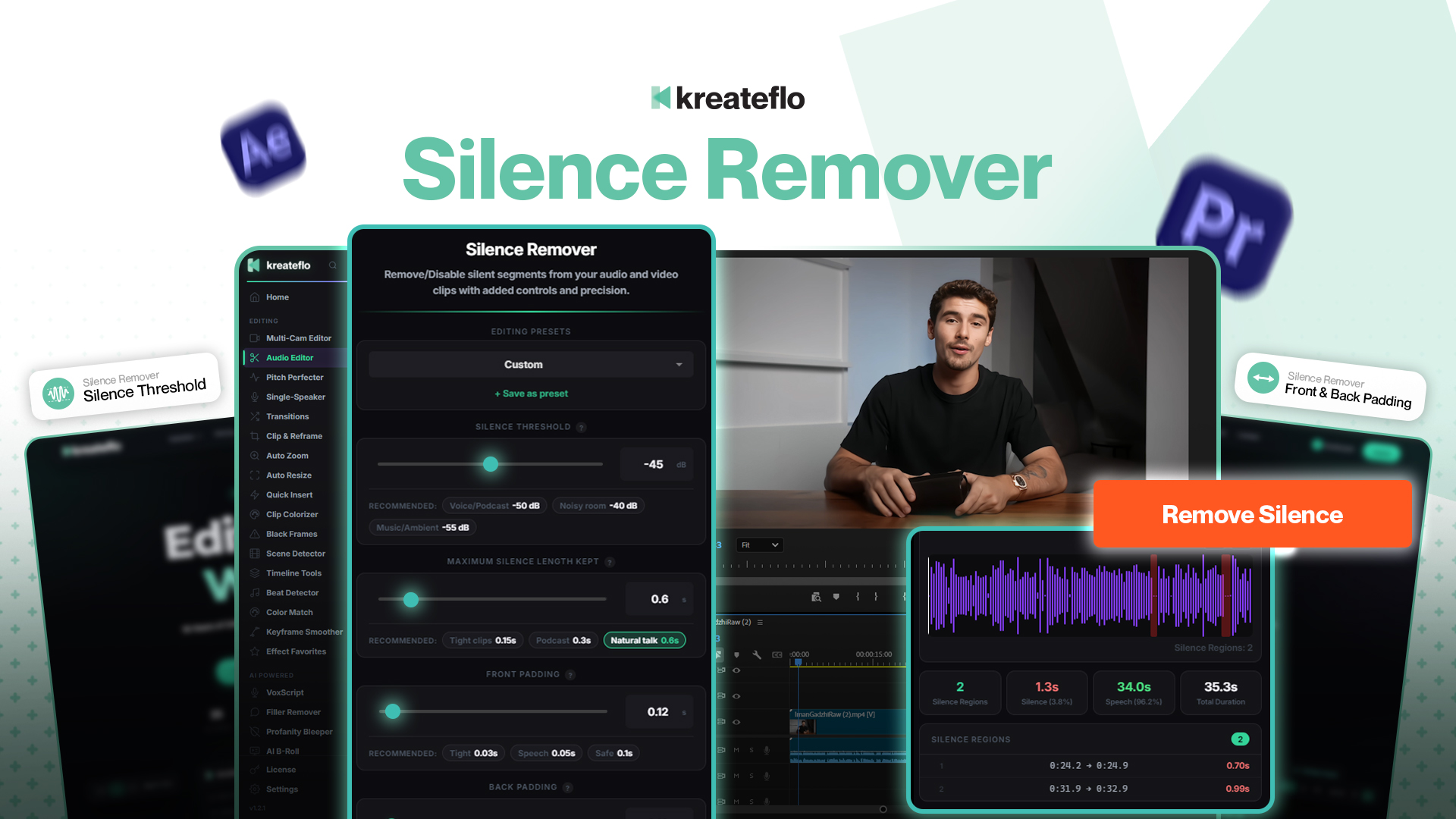
Silence removal is the AI editing feature most people try first. It is also the one most people get wrong on the first attempt. The problem is not the tool — it is the settings.
Default silence removal cuts every gap above a fixed threshold, which sounds great on paper and terrible in your ears. Real conversation has natural pauses, breaths, and beats. Strip them all out and your podcast sounds like a robot reading a transcript.
The two settings that actually matter
Forget the dozens of knobs every silence-removal tool exposes. Two settings determine 90% of your output quality:
1. Silence threshold (dB)
How quiet a section needs to be to count as silence. Default is usually around -50 dB. For a soft-spoken podcast host or a noisy room, that catches actual speech. Pull it down to -45 dB. For a clean studio recording with a loud host, push it up to -55 dB to catch quieter pauses.
2. Padding (ms)
How much silence to leave on either side of speech segments. This is the single most important setting for natural pacing. A value of 80–150 ms preserves the natural rhythm of conversation. Below 50 ms and your podcast sounds machine-gunned; above 200 ms and you are barely cutting anything.

My default workflow
- Open KreateFlo Silence Remover (it is free forever, no license required).
- Set threshold to -45 dB and padding to 120 ms.
- Pick the speaker track to analyze. For multi-track recordings, pick the cleanest mic.
- Choose "Ripple Delete" mode so video and audio stay synced.
- Run the analysis, scrub through, adjust if needed.
When to skip silence removal entirely
Some content benefits from holding silences. Documentary-style interviews, emotional moments, comedic timing — the pauses are the point. If your show is more "deliberate conversation" than "tight YouTube vlog", consider skipping automatic silence removal and only trimming dead air at chapter boundaries.
The breath problem
Audible breaths are not silence — they are quiet sound. Most silence-removal tools leave them in, which is correct. If your breaths are distractingly loud, that is a microphone technique issue, not an editing one. Move the mic 4 inches further from your mouth or angle it 30 degrees off-axis.
Try KreateFlo free
3 tools forever, 7-day trial on the rest. No credit card to start.
Download KreateFlo