AI Multi Camera Editing: 5 Best Workflow Tips for 2026
You know that soul-crushing dread when you open an Adobe Premiere Pro project and see eight camera angles staring back at you from a four-hour interview? I have spent years in that chair. I have stare
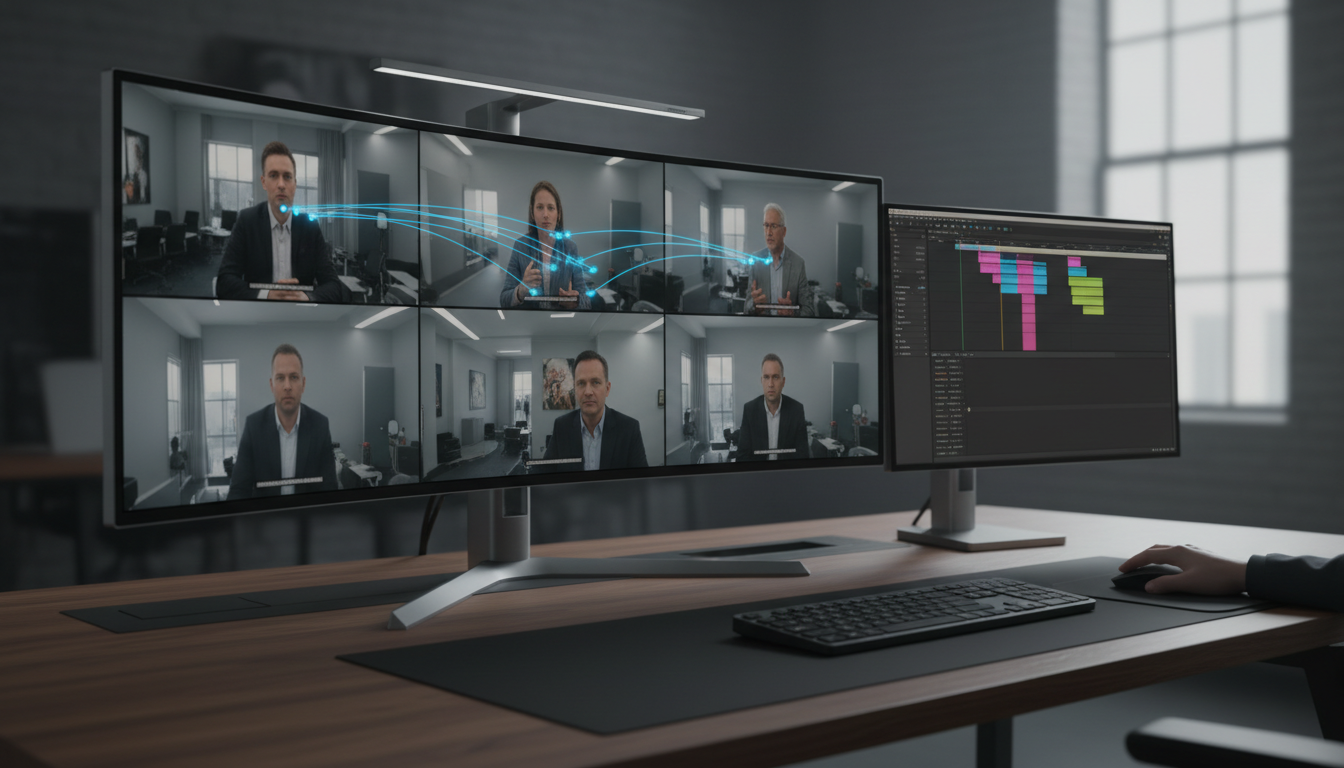
You know that soul-crushing dread when you open an Adobe Premiere Pro project and see eight camera angles staring back at you from a four-hour interview? I have spent years in that chair. I have stared at waveforms and made thousands of tiny cuts until my eyes bled. For a long time, we told ourselves that multi-cam editing required a "human touch"—a feel for the rhythm that software couldn't replicate.
But it is 2026, and quite frankly, that sentiment is dead. If you are still manually switching cameras for dialogue-heavy content, you are essentially choosing to work for free. The shift toward AI-driven video production workflows [4] has turned what used to be a half-day grind into a 90-second automated task.
Key Takeaways
- AI multi-cam editing reduces manual cutting time in Premiere Pro by over 90%, often finishing an edit in seconds [3].
- Modern tools now support up to 8 cameras and use multimodal AI to detect intent, not just audio volume [1].
- Native Premiere Pro plugins are superior to web-based tools because they eliminate the "round-trip" export/import lag.
- High-volume creators can cut production costs by nearly 58% by automating repetitive switching and cleanup tasks [1].
- Creative control remains with the editor, as AI provides a "first pass" that can be finessed in seconds rather than hours.
The Multi-Cam Nightmare: Why Editors Hate Manual Speaker Switching
We have all been there. You have a panel of four guests, two wide shots, and maybe a top-down camera. You start the playback and wait for the first speaker. You hit '2'. They stop; the next person starts. You hit '4'.
The process is relentless. You miss a reaction shot, so you go back. You undo the cut and repeat this cycle for three hours. This grueling manual labor isn't just a drain on your energy; it's a direct hit to your profit margins.
Traditional multi-cam editing in Premiere Pro [6] is excellent for syncing, but it leaves the heavy lifting to you. When you are tired, you miss crucial reactions. You cut to the wrong person. You stay on a wide shot for too long, and suddenly, the viewer is scrolling past your video.
Human error is the hidden cost of manual editing. By the third hour of a podcast edit, your brain is fried. You stop looking for the best angle and start looking for the finish line. This fatigue leads to stagnant content that fails to capture attention in a market commanded by short-form demand [2].
Actionable Takeaway: Audit your last three projects. Calculate exactly how many hours you spent "switching cameras" versus actually "creative storytelling."
What is AI Multi Camera Editing, Anyway?
In 2026, AI multi-camera editing is no longer a simple "audio gate" that switches to whoever is loudest. We have moved into the era of multimodal AI models and speaker-aware transformers [5]. These tools analyze audio and video tracks simultaneously to understand who is talking and who is reacting.
The software listens to the audio, identifies the specific voice signature of each speaker, and maps it to the assigned camera. It handles up to 8 unique cameras, which is the benchmark for professional agency-level work [4].
But it goes deeper. It uses native multimodal reasoning [1] to distinguish between a speaker talking and a background cough. This intelligence allows the AI to prioritize shots based on rules you set. For example, you can tell the AI to never stay on one person for more than 10 seconds. It can even be set to cut to a wide shot whenever three people laugh at once.
Think about it: this is a level of precision that used to take years of experience to master.
58% Cost Reduction with AI
Actionable Takeaway: Stop thinking of AI as a filter. Start treating it as an assistant editor who has already pre-cut your sequence before you even have your coffee.
Your Workflow Reimagined: How AI Multi Camera Editing Works in Premiere Pro
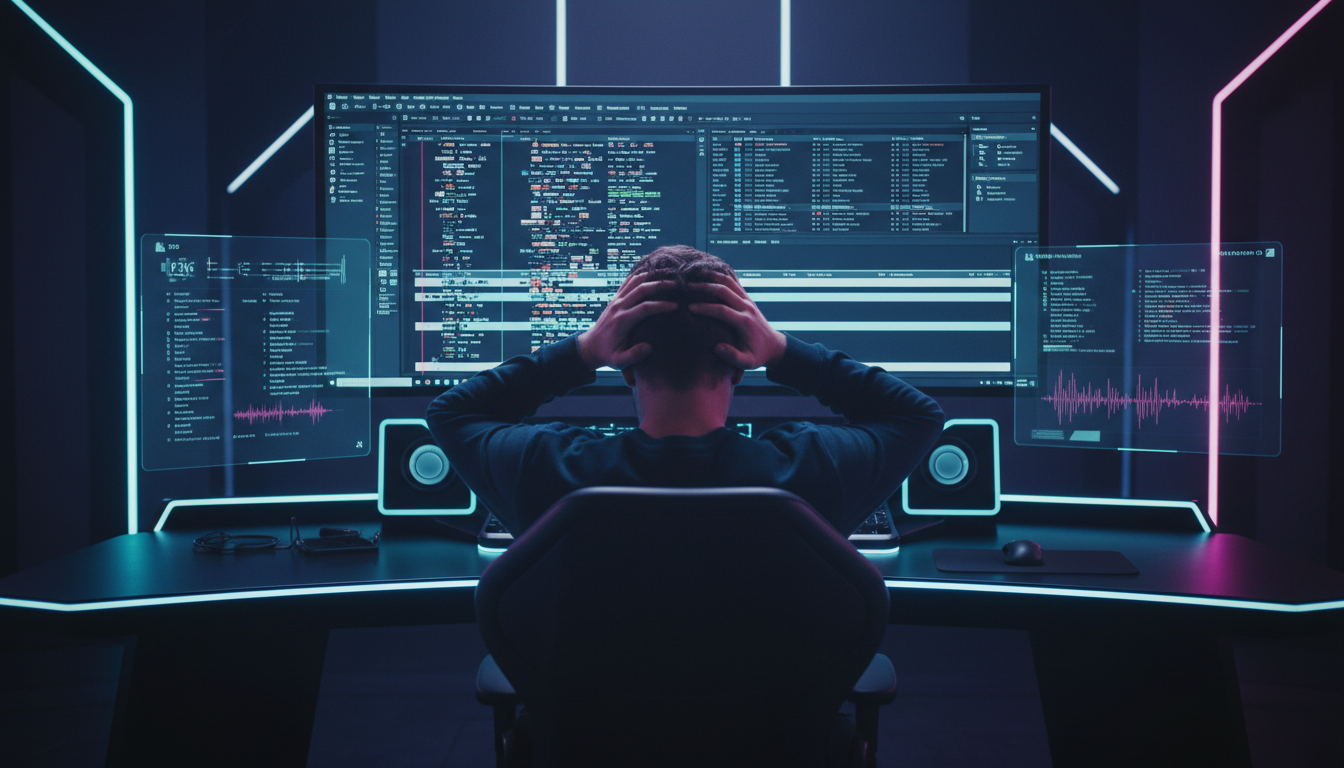
The biggest mistake I see editors make is trying to use standalone web apps for multi-cam work. You lose your effects, your color grades, and your sanity during the import/export process. The real power lies in native Adobe Premiere Pro plugins [7] that live directly inside your workspace as a CEP extension.
Pro Tip: Always label your tracks "Speaker 1," "Speaker 2," and "Wide" before running any AI tool. Clean track organization is the difference between a 90-second edit and a 10-minute troubleshooting session.
Here is how the workflow looks now:
- Syncing: Use Premiere's built-in sync tool or a plugin to get your angles lined up.
- Configuration: Open your AI extension, like the Multi-Cam Editor, and designate tracks to speakers.
- Wide Shot Rules: Set how often to use the wide shot (e.g., every 45 seconds or during silence).
- The Run: Hit "Process." In about 90 seconds, the AI generates a cut list and applies it to your timeline [3].
The best part? You still have creative control. The AI doesn't lock the edit. It gives you a fully cut sequence with all the handles you need. If the AI missed a nuanced reaction, you simply ripple-edit that one cut. You are now the director, not the manual laborer.
Actionable Takeaway: Use the "Wide-Shot" designation as a visual reset. Professional broadcast standards suggest a wide shot every 30-60 seconds to prevent viewer fatigue.
Beyond the Main Cut: Advanced AI Tools That Supercharge Your Project
Multi-cam switching is only half the battle. Once the cameras are switched, you are still left with "umms," "ahhs," and dead air. This is where a complete AI suite [8] becomes essential.
Instead of manually hunting for filler words, you can use a Silence Remover or Filler Word Removal tool. These features analyze the transcript and ripple-delete the garbage in seconds. In 2026, AI has boosted media team productivity by 47% [9] by automating these micro-tasks.
Then there is the short-form problem. Everyone wants viral clips from their long-form content. Using Viral Clip Detection, the AI can scan your two-hour podcast and find the high-intensity moments. Once found, you can use Auto-Reframing to turn that 16:9 multi-cam sequence into a 9:16 vertical video.
Finally, you need captions. Manual captioning is a relic of the past. Modern tools like CaptionFlow offer 22+ animated presets with WASM real-time previews. This means you don't have to "render to see" if your text looks good. You see it instantly.
Actionable Takeaway: Don't just automate the cuts; automate the social kit. Create your long-form and short-form assets in one sitting.
Choosing Your AI Co-Pilot: What to Look For
There are plenty of tools out there—AutoPod, FireCut, Phantom Editor, and Descript. But for a professional editor, the choice usually comes down to integration and pricing models [10].
If you are a Premiere Pro power user, stay away from standalone apps. You don't want to leave your timeline. Look for a CEP extension that supports up to 8 cameras and offers a flat monthly fee. For instance, KreateFlo's Pro tier is $19.99/mo with 20 AI hours, whereas some competitors use complex billing or limited toolsets.
| Feature | KreateFlo | Traditional Manual | Competitor Apps |
|---|---|---|---|
| Speed (1hr Video) | 2-5 Minutes | 4-6 Hours | 10-15 Minutes |
| Max Cameras | 8 | Infinite (but slow) | Often 4-6 |
| Workflow | Native Plugin | Native | Standalone / Web |
| Captions | 22+ Animated Presets | Manual / Basic | Limited Presets |
| Pricing | $19.99/mo (Pro) | Your Time ($$) | Per-hour or $29+/mo |
Actionable Takeaway: Choose a tool that bundles multiple features. Paying for a multi-cam tool, a caption tool, and a silence remover separately is a great way to kill your margins.
Honest Talk: When AI Multi-Cam Isn't the Perfect Fit
I'm not going to lie to you—AI is not a silver bullet for everything. If you are editing a highly stylized music video where cuts sync to a drum beat or emotional nuance, AI will fail you.
AI relies on clean source material [1]. If your audio is a mess with heavy bleed between microphones, the AI might ping-pong between cameras. This is why isolating audio tracks is critical [6] for AI success. If you have garbage in, you will get garbage out.
Furthermore, AI doesn't understand "vibe" yet. It can't tell if a speaker is being sarcastic or if a long pause is dramatic versus just dead air. You still need to be the one to decide if a cut feels right.
| 45|Interviews | NaN |
|---|
Actionable Takeaway: Use AI for the first 90% of the heavy lifting. Reserve the last 10% of your time for the human touches—music, sound design, and pacing.
Real-World Savings: Time, Money, and Your Sanity
Let's talk numbers. A standard 2-camera podcast used to take me about 4 hours to get to a final-ish cut. With AI multi-cam plugins [3], I can reach that same spot in 90 seconds.
| Before | 4 Hours |
|---|---|
| After | 90 Seconds |
If you charge $500 per episode and reduce your labor from 10 hours to 3 hours, your hourly rate jumps from $50/hr to $166/hr. This is how you scale a content agency [9] without burning out. In 2026, 59% of all edited videos are now vertical [2]. If you aren't using AI to repurpose long-form content, you are leaving money on the table.
Pro Tip: Offer "Next Day Delivery" as a premium service. Because you can now edit a podcast in minutes, you can charge a premium for speed that your competitors can't match.
Actionable Takeaway: Stop billing by the hour. Start billing by the project. The faster you work, the more you make.
Building Your AI-Powered Editing Studio: A Holistic Approach for 2026
The future of editing isn't just one tool; it's an integrated ecosystem of 33+ professional tools that live inside Premiere Pro. You want a workflow where the Multi-Cam Editor does the switching, the Silence Remover cleans the tracks, and the Voice Transcription creates your subtitles instantly.
By reducing production costs by 97% [4] compared to 2020 levels, AI allows you to focus on the story. You can spend more time on color grading, finding perfect B-roll, or building your brand's authority.
The industry has shifted. The editors who thrive in 2026 are not the ones who click a button the fastest. They are the ones who can direct the AI to do the clicking for them.
FAQ
What is AI multi camera editing? It is the use of machine learning to automatically detect active speakers in a multi-camera setup. It switches angles based on audio and video cues, replacing the manual button-mashing of traditional editing.
How does it integrate with Adobe Premiere Pro? Most professional tools are CEP extensions or plugins. They live inside a panel in Premiere Pro, analyze your timeline directly, and generate a new cut sequence without you ever leaving the app.
Is AI multi-camera editing accurate? It is highly accurate for dialogue-driven content like podcasts. It can struggle with high background noise or poorly isolated tracks, which is why track cleanup is still important.
How many cameras can AI handle? Professional tools like KreateFlo handle up to 8 speakers and 8 cameras. This includes dedicated wide-shot logic to mimic professional broadcast standards.
Is it worth the cost for a solo creator? Yes. If a $19.99/mo subscription saves you even one hour of work per month, it has already paid for itself. For most creators, it saves dozens of hours.
Look, if you are still manually cutting every speaker change in Premiere Pro, you are working harder than you need to. In 2026, AI is no longer a luxury—it is the standard [10]. You have a choice: keep clicking, or start creating.
Ready to stop the grind? Download the KreateFlo plugin and get 3 professional tools free forever. Try the Multi-Cam Editor and see what it's like to finish a 4-hour edit before your coffee gets cold.
References
- arxiv.org/pdf/2410.03791 academic
- huggingface.co/papers/trending
- gudsho.com/blog/video-editing-statistics/
- teamunitymedia.com/blogs/artificial-intelligence-video-production-trends-2026
- towardsdatascience.com/emonet-speaker-aware-transformers-for-emotion-recognition-and-what-id-build-differently-in-2026/
- nofilmschool.com/adobe-premiere-and-after-effects-updates
- aaapresets.com/blogs/premiere-pro-blog-series-editing-tips-transitions-luts-guide/the-future-of-premiere-pro-editing-trends-to-watch-in-2026
- youtube.com/watch
- vidpros.com/video-editing-statistics/
- tutorialsdojo.com/the-state-of-audio-ai-in-2026-open-source-models-and-the-shift-to-edge-computing/
- autofaceless.ai/blog/video-editing-software-statistics-2026
- phantomeditor.video/blog/best-autopod-alternative-2026-multicam-editing-premiere-pro
- dev.to/lufumeiying/multimodal-ai-in-2026-how-ai-now-understands-images-audio-and-video-28ic
- ngram.com/blog/ai-video-statistics-2026
- saasworthy.com/compare/autopod-fm-vs-firecut-ai
- resource.digen.ai/ai-video-editing-vs-traditional-2026-comparison/
- resource.digen.ai/future-of-ai-video-editing-2026-2/
- connect.na.panasonic.com/blog/av/proav/trends-in-video-production-services-that-will-shape-2026
Try KreateFlo free
3 tools forever, 7-day trial on the rest. No credit card to start.
Download KreateFlo