AutoPod Alternative: Best 2026 Premiere Pro Tools Guide
AutoPod charges $29 every single month for a single utility tool that breaks the second your podcast guest laughs off-mic. I spent nearly two hours repairing ruined multi-cam cuts caused by audio blee
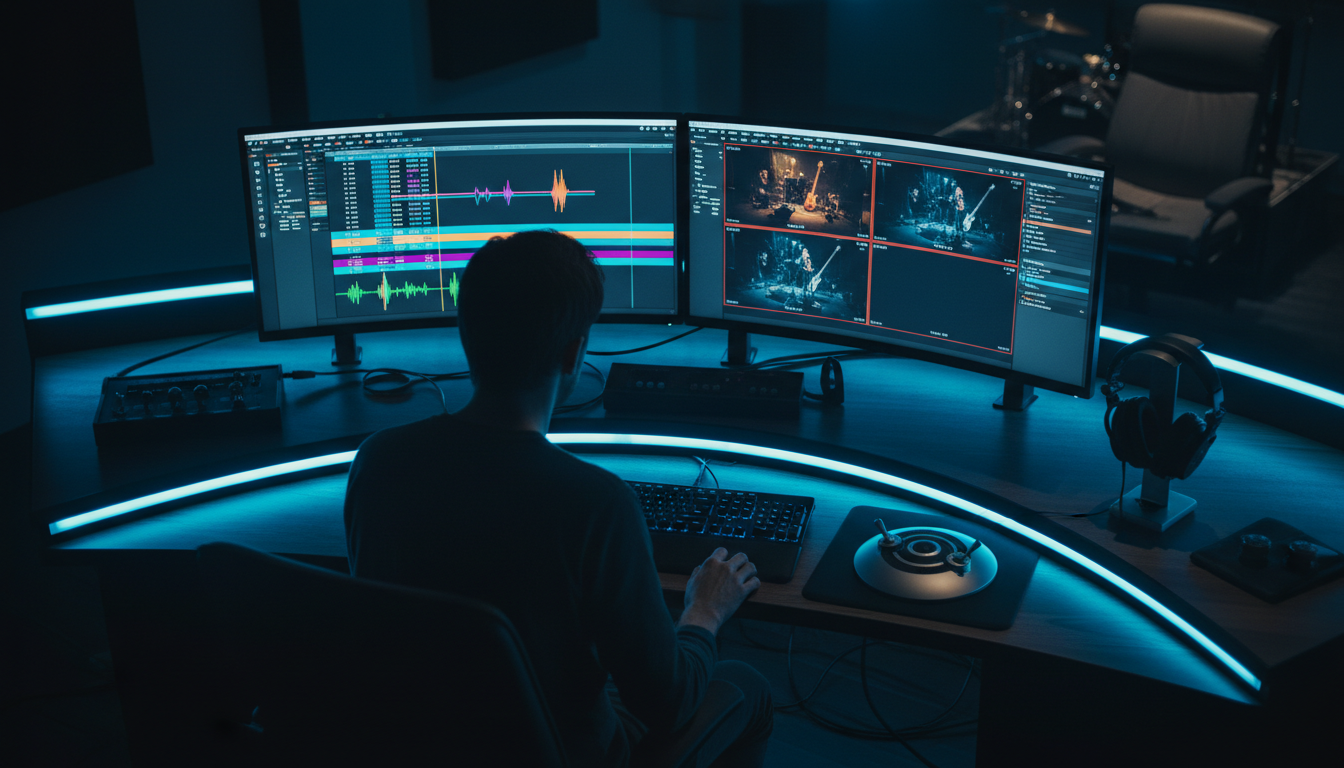
AutoPod charges $29 every single month for a single utility tool that breaks the second your podcast guest laughs off-mic. I spent nearly two hours repairing ruined multi-cam cuts caused by audio bleed before kicking AutoPod out of my Adobe Premiere Pro setup for a speech-aware alternative.
If you edit multi-speaker podcasts or multi-camera interviews in Premiere Pro, manual camera switching feels like grueling busywork. You sit there hitting 1, 2, 3, or 4 on your keyboard for hours. Automated switching plugins promised to eliminate that manual labor.
But single-purpose plugins built on outdated volume thresholds often end up creating more clean-up work than they save.
Here is my definitive guide to finding the best AutoPod alternative for Premiere Pro editors in 2026. We will compare prices, processing speeds, and real speech-aware AI capabilities.
Key Takeaways
- AutoPod costs $29/month for a single feature, adding up to nearly $700 over two years [1] without offering additional editing utilities.
- Loudness-based switching in AutoPod regularly fails when handling mic bleed, crosstalk, or off-camera laughter [2].
- KreateFlo provides a full 33+ tool CEP extension natively inside Premiere Pro starting at $19.99/mo, including AI multi-cam switching for up to 8 speakers.
- Speech-recognition AI tools prevent erratic camera jump-cuts by identifying specific vocal signatures rather than volume spikes.
- Native Premiere Pro multicam sequence output lets you tweak AI cuts directly inside the Program Monitor without round-tripping.
- KreateFlo offers a free tier with 3 tools free forever, letting editors benchmark multi-cam speed and accuracy without a credit card [4][6].
Why Editors Are Replacing AutoPod
AutoPod introduced thousands of video editors to automated multi-cam cutting. But as podcast production workflows evolved, its limitations became glaringly obvious.
Paying $29/Month for a Single-Purpose Plugin
The biggest frustration among video editors is subscription fatigue. AutoPod charges $29 per month solely for multi-cam sequence switching, social clip reformatting, and basic silence cutting. That adds up to nearly $700 over two years [2].
When you add separate monthly fees for AI transcription, animated captions, and audio cleaning, your software stack quickly balloons past $100 a month. Editors are actively looking for flexible tool bundles [3] that combine multi-cam switching with full post-production suites.
The Mic Bleed and Loudness Cut Problem
Here's the core issue. AutoPod relies primarily on loudness-threshold detection across audio channels [2][4]. In an ideal acoustic environment with isolated dynamic microphones, volume-based switching works reasonably well.
However, real-world podcast sets are rarely ideal. When an energetic guest laughs loudly, their voice bleeds into the host's condenser microphone.
AutoPod registers that decibel spike on the host track and abruptly cuts back to the host. It does this even though the guest is the one speaking [2]. Fixing these erratic jump-cuts across a 60-minute timeline often takes longer than editing the multi-cam sequence by hand.
Workflow Friction and Slow Processing Times
Older rendering routines in legacy plugins take anywhere from 30 to 60 minutes to analyze a long timeline [5].
When client deadlines are tight, waiting an hour just to discover erratic cut points destroys your editing momentum. Editors need tools that parse timeline audio in minutes, generate native cut sequences, and let them get right to polishing.
Actionable Takeaway: Audit your monthly plugin subscriptions and replace single-purpose utility tools with integrated multi-tool extensions.
The Best AutoPod Alternative for Premiere Pro Editors Overall: KreateFlo
If you want an all-in-one plugin that solves mic bleed and bundles your entire podcast editing workflow inside Adobe Premiere Pro, KreateFlo is the top alternative.
+-------------------------------------------------------------------+
|               Adobe Premiere Pro Timeline (CEP)                   |
|                                                                   |
|   [ Audio Normalization ]  -->  [ KreateFlo Speech AI Engine ]     |
|                                            |                      |
|                                            v                      |
|   [ Native Multicam Cuts ] <--  [ Speaker Identification Pass ]   |
+-------------------------------------------------------------------+
AI Multi-Cam Editor Built for Up to 8 Cameras
KreateFlo v1.0.3 features a dedicated Multi-Cam Editor designed specifically for multi-speaker studio setups. While basic plugins handle simple two-person setups, KreateFlo supports up to 8 speakers and 8 dedicated cameras simultaneously.
Instead of cutting blindly based on decibel spikes, KreateFlo uses vocal character isolation. It maps camera angles to specific speakers and includes customizable wide-shot logic.
You can define exact wide-angle parameters so the cut naturally switches to a wide shot when multiple speakers talk at once. It also switches to wide shots during natural pauses after long monologues.
33+ Bundled Tools vs. Single-Utility Plugins
Rather than charging $29/mo for one feature, KreateFlo bundles 33+ professional video editing tools into a single Adobe Premiere Pro CEP panel.
The Pro tier costs $19.99/mo and includes 20 AI hours. It gives you access to:
- Multi-Cam Editor for up to 8 speakers.
- CaptionFlow with 22 animated caption presets and real-time WebAssembly (WASM) preview.
- Silence Remover for instant dead-air removal.
- AI filler word and repeat removal.
- Auto-reframing for short-form social clips.
- Multi-language voice transcription in 40+ languages, including Hindi and Bangla.
On a tight budget? KreateFlo offers a free tier with 3 essential tools free forever (Silence Remover, Transition Assistant, Copy & Paste) without requiring credit card registration [4][6].
Native Premiere Pro CEP Extension Integration
KreateFlo is a native CEP extension that runs inside Adobe Premiere Pro. You do not need to export XML files, upload multi-gigabyte video files to web servers, or learn a separate standalone desktop interface [1].
Your media stays on your local hard drive. Your color grades, nested sequences, and Premiere shortcuts remain completely untouched.
Pro Tip: Keep your room backup audio tracks disabled or muted during AI processing to prevent acoustic interference.
Actionable Takeaway: Install KreateFlo's native extension to keep your footage on your local Premiere Pro timeline while automating repetitive cuts.
How AI Speech Detection Beats Loudness-Based Switching
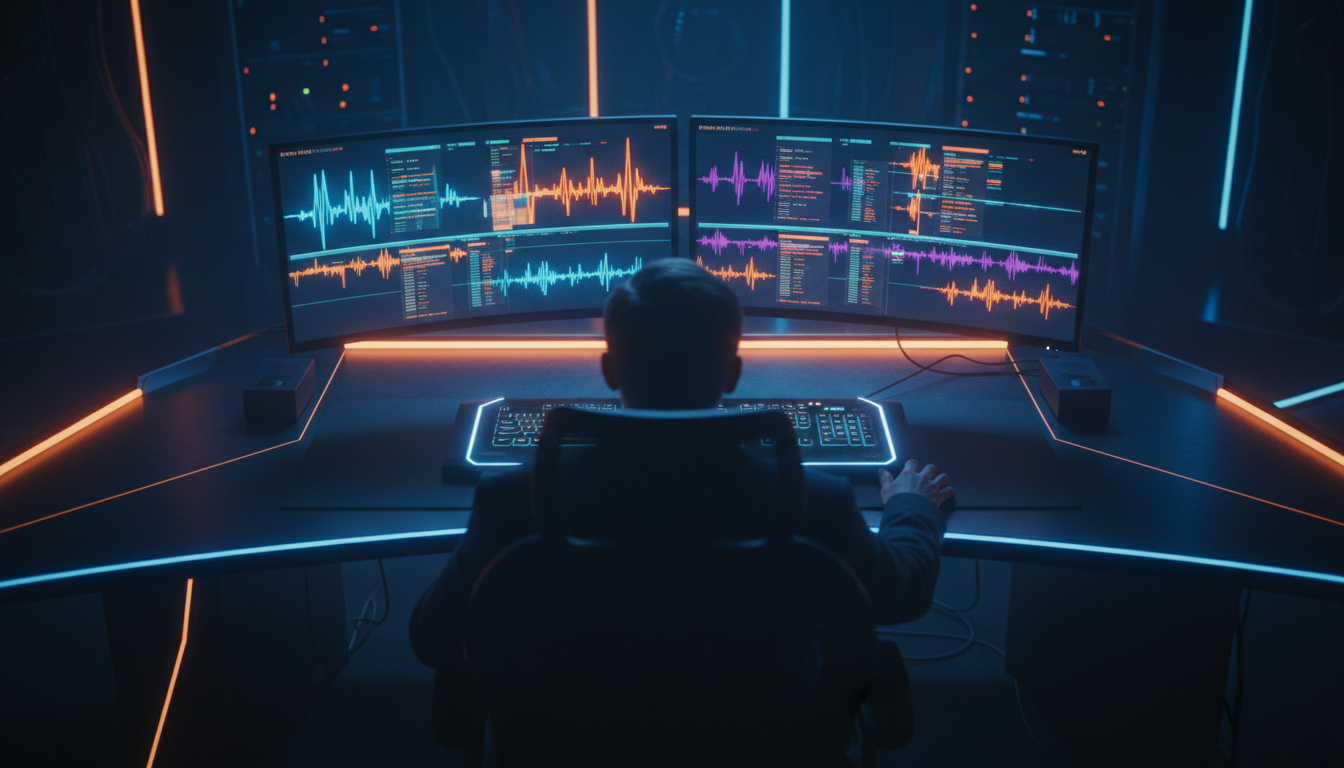
Understanding how camera switching plugins process audio is critical to choosing the right tool for your studio.
Eliminating Mic Bleed and Overlapping Audio
Legacy plugins evaluate decibels [2]. If Track 1 hits -12dB, the plugin switches to Camera 1. If Track 2 spikes to -10dB due to crosstalk, it switches to Camera 2.
Speech-aware AI operates differently. It analyzes vocal frequency signatures to recognize who is speaking rather than how loud the track is [2].
Even if guest audio bleeds into the host mic at high volume, the AI identifies the speech pattern as belonging to the guest. It keeps the camera locked on the active speaker.
Custom Shot Durations and Wide-Angle Logic
Human editors do not switch cameras every 0.5 seconds during fast dialogue. Rapid jump-cutting causes severe visual fatigue for the viewer.
KreateFlo lets you establish minimum and maximum shot duration thresholds. You can set a minimum shot duration of 2.5 seconds to prevent erratic flickers.
So, what happens when speakers talk over each other? You can set wide-shot rules to automatically trigger a wide camera angle when speakers interrupt each other or pause naturally.
Native Multicam Sequences in the Program Monitor
When KreateFlo completes its automated switching pass, it outputs a native Premiere Pro multicam sequence directly onto your timeline. You do not get chopped-up, flattened video tracks that are impossible to adjust later.
If you want to swap a camera angle on a specific line, simply click the cut in Premiere Pro's Program Monitor. You can also hit keyboard shortcuts 1 through 8 to change the active angle instantly [2].
"Native multicam sequence generation is mandatory for professional post-production. If an automated tool flattens your tracks into standard video clips, fixing a single mistake takes ten times longer."
Actionable Takeaway: Always select speech-aware multi-cam plugins that output native Premiere Pro multicam source sequences rather than flattened timeline clips.
Top Features in the Best AutoPod Alternative for Premiere Pro Editors
When evaluating alternatives, look for features that shorten your overall post-production pipeline from hours down to 90 seconds of actual work.
+-------------------------------------------------------------------+
|               KreateFlo Complete Podcast Pipeline                 |
|                                                                   |
|  [ Multi-Cam Switch ] --> [ Silence Remover ] --> [ CaptionFlow ] |
|            |                      |                      |        |
|  (8-Speaker AI)             (Dead Air)           (22 WASM Presets)|
|            |                      |                      |        |
|            +----------------------+----------------------+        |
|                                   |                               |
|                                   v                               |
|                     [ Social Clip Reframe Engine ]                |
+-------------------------------------------------------------------+
Multi-Speaker Support and Dedicated Wide Shots
Many automated tools struggle when podcast setups expand past two people. KreateFlo handles up to 8 speakers with dedicated multi-camera mapping.
You can designate specific wide cameras, secondary host angles, and single-guest close-ups without breaking the switching logic.
Fast AI Processing Speed Under 3 Minutes
Processing speed directly impacts your studio turnaround time. While older plugins take 30 to 60 minutes for a long episode [5], tools like Phantom Wraith process an hour-long, 3-camera podcast in 1 minute 24 seconds [1].
KreateFlo processes an hour of multi-cam footage in under 3 minutes. This allows you to deliver rough cuts to clients almost immediately.
Short-Form Reformatting with Animated Captions
Editing the long-form podcast is only half the battle. Once the master edit is complete, you need short-form clips for TikTok, Instagram Reels, and YouTube Shorts.
With KreateFlo, you can select key moments from your timeline and reframe them into vertical 9:16 videos. Then, open CaptionFlow to apply animated captions.
CaptionFlow includes 22 customizable presets powered by WebAssembly (WASM). You get real-time font and animation previews right inside Premiere Pro without waiting for test renders.
Pro Tip: Pair Silence Remover with CaptionFlow to strip awkward pauses from your short clips before rendering them for social media. Read our full guide on how to remove silence in Premiere Pro for detailed settings.
Actionable Takeaway: Use integrated captioning and auto-reframing tools inside Premiere Pro to eliminate exports to third-party web apps like Opus Clip or Descript.
Comparing Top AutoPod Alternatives Side-by-Side
Let's look at how the top AI multi-cam plugins and alternatives stack up on pricing, features, and workflow compatibility.
| Feature / Metric | KreateFlo (v1.0.3) | AutoPod | Phantom Wraith | FireCut | Descript / Opus Clip |
|---|---|---|---|---|---|
| Primary Platform | Native Premiere CEP | Native Premiere CEP | Native Premiere CEP | Native Premiere CEP | Standalone Web / Desktop App |
| Monthly Pricing | $19.99/mo (Pro) | $29.00/mo [4] | $19/mo or $119 Lifetime [1] | Per-hour billing / Sub | $24-$50+/mo per user |
| Free Tier | 3 tools free forever | 30-day trial (credit card req.) [4] | Limited trial | Limited trial | Limited free export minutes |
| Max Multi-Cam Speakers | 8 Speakers / 8 Cams | 10 Speakers / 10 Cams [2] | Multi-speaker support | 4+ Speakers | Text-based video switching |
| Switching Engine | Speech-Aware AI | Loudness Threshold [2] | Speech / Waveform AI | Waveform / AI | Text-Transcript AI |
| Tool Suite Size | 33+ Tools | 3 Single Utilities | Multi-Cam Bundle [1] | Multi-Tool Bundle | Standalone Suite |
| Animated Captions | 22 Presets (WASM) | None | None | Basic Captions | Built-in Captions |
| 1-Hour Processing Time | ~2.5 Minutes | 2 to 30+ Minutes [1][5] | 1 min 24 sec [1] | ~3-5 Minutes | Requires cloud upload |
KreateFlo vs. AutoPod ($19.99 Suite vs. $29 Single Tool)
AutoPod charges $29/mo for three single scripts [4]. KreateFlo Pro costs $19.99/mo and includes 20 AI hours along with 33+ editing utilities.
You get superior speech-aware multi-cam switching plus animated captions, silence cutting, and filler word removal for $9 less every month.
KreateFlo vs. Phantom Editor and FireCut
Phantom Wraith is an ultra-fast multi-cam plugin that offers a $119 one-time fee [1]. It is a great option if you exclusively want multi-cam switching without subscription fees.
FireCut is another solid contender. However, its pricing uses per-hour AI credits that can get expensive for high-volume video agencies.
KreateFlo balances both approaches by giving you a multi-cam editor bundled alongside captioning and transcript editing in one subscription.
KreateFlo vs. Standalone Apps (Descript & Opus Clip)
Standalone web apps like Descript and Opus Clip force you to upload source media to the cloud. You edit in a browser interface and export XMLs back to Premiere Pro.
This round-trip workflow breaks color grades, plugin audio chains, and complex timeline structures. KreateFlo keeps everything native inside Adobe Premiere Pro.
Actionable Takeaway: Compare total software spending across your studio. Switching from single-purpose tools to a bundled extension cuts monthly software overhead by 30% to 50%.
How to Pick the Best AutoPod Alternative for Premiere Pro Editors for Your Studio
No single plugin fits every single editor. Here is how to evaluate options based on your production requirements.
Evaluating Monthly Costs vs. Included AI Hours
Consider how many hours of long-form footage you edit per month:
- Solo Creators & Freelancers: KreateFlo Pro ($19.99/mo) provides 20 AI hours per month. This easily covers four to eight 1-hour podcast episodes along with short-form clip generation.
- Content Agencies & Post Houses: KreateFlo Studio ($44.99/mo) provides 50 AI hours per month, perfect for multi-show client rosters.
- Budget Editors: If you only need basic silence removal and transition assistance, KreateFlo's free tier gives you 3 tools free forever without taking your credit card details [4][6].
Testing Mic Bleed Handling on Raw Dialogue
Before committing to a plan, test plugins on unedited dialogue tracks recorded in untreated rooms. Check whether background laughter, coughing, or table taps cause incorrect camera cuts.
Tools utilizing speech-aware AI [5] will pass this test easily. Pure volume-threshold tools like AutoPod will trigger false cuts [2].
Choosing Native Extensions Over Standalone Software
When is KreateFlo NOT the right pick?
- If you edit audio-only podcasts without video, dedicated DAW plugins or tools like Auphonic are better suited.
- If you prefer doing rough text-based edits on a low-powered laptop without Premiere Pro installed, standalone web tools like Descript might fit your habits better.
However, if your primary edit suite is Adobe Premiere Pro, a native CEP extension saves hours by keeping timeline effects and shortcuts intact.
Pro Tip: Before running automated multi-cam switching, use Premiere Pro's "Essential Sound" panel to auto-match track loudness across all speaker microphones [2].
Actionable Takeaway: Run free trials on raw, noisy multi-mic audio tracks to verify speech-detection accuracy before committing to a paid subscription.
Step-by-Step: Speed Up Podcast Edits in Premiere Pro
Here is the exact workflow I use to cut a 1-hour multi-camera podcast in under 90 seconds of hands-on work using KreateFlo in Adobe Premiere Pro.
+-------------------------------------------------------------------+
|               3-Step Accelerated Multi-Cam Workflow               |
|                                                                   |
| Step 1: Track Audio Normalization & Cleaning                      |
|         - Apply Essential Sound Auto-Match                        |
|         - Mute Room/Ambient Tracks                                |
|                                                                   |
| Step 2: Configure & Execute KreateFlo Multi-Cam                   |
|         - Map Speakers to Camera Angles 1-8                       |
|         - Set Min Shot Duration & Wide Camera Parameters          |
|         - Click Process Timeline (~2.5 mins)                      |
|                                                                   |
| Step 3: Direct Trim & Program Monitor Polish                      |
|         - Use Keys 1-8 for Quick Angle Swaps                      |
|         - Apply CaptionFlow for Vertical Social Clips             |
+-------------------------------------------------------------------+
Step 1: Track Audio Normalization and Setup
- Sync your camera angles and individual speaker audio tracks on your Premiere Pro sequence.
- Select all audio tracks, open the Essential Sound panel, set the option to Dialogue, and click Auto-Match to equalize volume levels [2].
- Mute ambient room microphones or secondary backup tracks so the AI evaluates primary speaker dialogue [2].
Step 2: Running KreateFlo Multi-Cam Editor
- Open KreateFlo from
Window > Extensions > KreateFlo. - Select the Multi-Cam Editor tool.
- Map each isolated audio track to its corresponding video camera angle (e.g., Audio 1 = Host / Camera 1; Audio 2 = Guest / Camera 2).
- Assign Video Track 3 as your dedicated wide-shot angle.
- Set minimum shot duration to 2.5 seconds to ensure smooth visual pacing [2].
- Click Process Timeline. KreateFlo processes the 60-minute sequence in under 3 minutes [1].
Step 3: Direct Trimming in Premiere's Program Monitor
- Once processing finishes, review the generated native multicam sequence directly on your main timeline [2].
- Play through the timeline at 1.5x or 2x speed.
- Want to change a camera angle during a specific interjection? Click the cut and press numbers 1 through 8 on your keyboard to swap angles instantly [2].
- Run Silence Remover to clean up long dead-air pauses across the episode.
Actionable Takeaway: Normalize audio tracks prior to AI execution and refine camera cuts using native keyboard shortcuts in the Program Monitor.
Frequently Asked Questions

What is the best AutoPod alternative for Premiere Pro editors working on podcasts?
KreateFlo is the top alternative to AutoPod because it offers speech-aware multi-cam editing for up to 8 speakers inside Adobe Premiere Pro [2]. Plus, it includes 32 additional editing tools for $19.99/mo instead of AutoPod's $29/mo standalone price [4].
How do AI multi-cam plugins handle mic bleed between speakers?
Unlike older loudness-threshold tools that cut whenever volume spikes [2], modern AI plugins like KreateFlo analyze vocal speech patterns [5]. This allows them to ignore background mic bleed, crosstalk, and room laughter, keeping the camera locked on the active speaker [2].
Is there a free tier for multi-cam video editing plugins in Premiere Pro?
Yes. KreateFlo offers a free tier that gives editors access to 3 essential tools free forever (Silence Remover, Transition Assistant, Copy & Paste) without requiring credit card registration [4][6].
Why should I use a CEP extension instead of a web app like Descript?
A native Premiere Pro CEP extension keeps your media files directly on your local timeline [1]. You retain your color grades, nested sequences, and audio effects without dealing with tedious XML exports or multi-gigabyte cloud uploads.
Does KreateFlo generate native Premiere Pro multicam sequences?
Yes. KreateFlo creates native multicam source sequences directly on your target timeline [2]. You can tweak camera cuts instantly using Premiere Pro's Program Monitor or standard numeric keyboard shortcuts [2].
Stop Fixing Bad Cuts and Automate Your Workflow Today
AutoPod proved that multi-cam podcast editing could be automated. But its high single-tool price tag [1][2][4] and loudness-cut failures leave video editors searching for better software [2].
By switching to KreateFlo, you get a direct Adobe Premiere Pro plugin that uses speech-aware multi-cam AI alongside 33+ professional tools for less money every month.
Ready to stop fixing bad cuts and drop your editing time down to 90 seconds? Download KreateFlo today and start editing smarter with 3 free tools forever.
References
- phantomeditor.video/blog/best-autopod-alternative-2026-multicam-editing-premiere-pro
- wizcut.com/blog/autopod-alternatives-premiere-pro
- g2.com/products/autopod/competitors/alternatives
- nemovideo.com/alternative/autopod
- cinematiclee.com/software/video-editing/premiere-copilot-review/
- autocut.com/en/blogs/autocut-vs-autopod/
- premierecopilot.com/en/blog/the-autopod-alternative-you-ve-been-waiting-for-(and-your-wallet-will-love)
- goatedit.com/blog/best-ai-plugins-premiere-pro
- sourceforge.net/software/product/AutoPod/alternatives
- aitoolnet.com/alternative/autopod
- becreatives.co/best-editing-platforms/
- elevenpercent.net/blogs/our-latest-tutorials/best-ai-plugins-for-premiere-pro
- resource.digen.ai/best-automated-video-editing-software/
- fame.so/post/best-editing-software-for-podcasts
- timeskip.io/blog/best-ai-tools-for-video-editing
Try KreateFlo free
3 tools forever, 7-day trial on the rest. No credit card to start.
Download KreateFlo